
A festive backdrop for food packaging
An understated seasonal image made with background color rather than extra gift items.
What this experiment shows
PackScena uses an AI-created product sample to test this background: A festive backdrop for food packaging. Try this as a supporting campaign image, alongside a clear product photograph. The background can suggest a season without implying that ribbons, gift boxes or accessories are included. The result is a scene experiment, not a customer photograph or proof of unchanged product details.
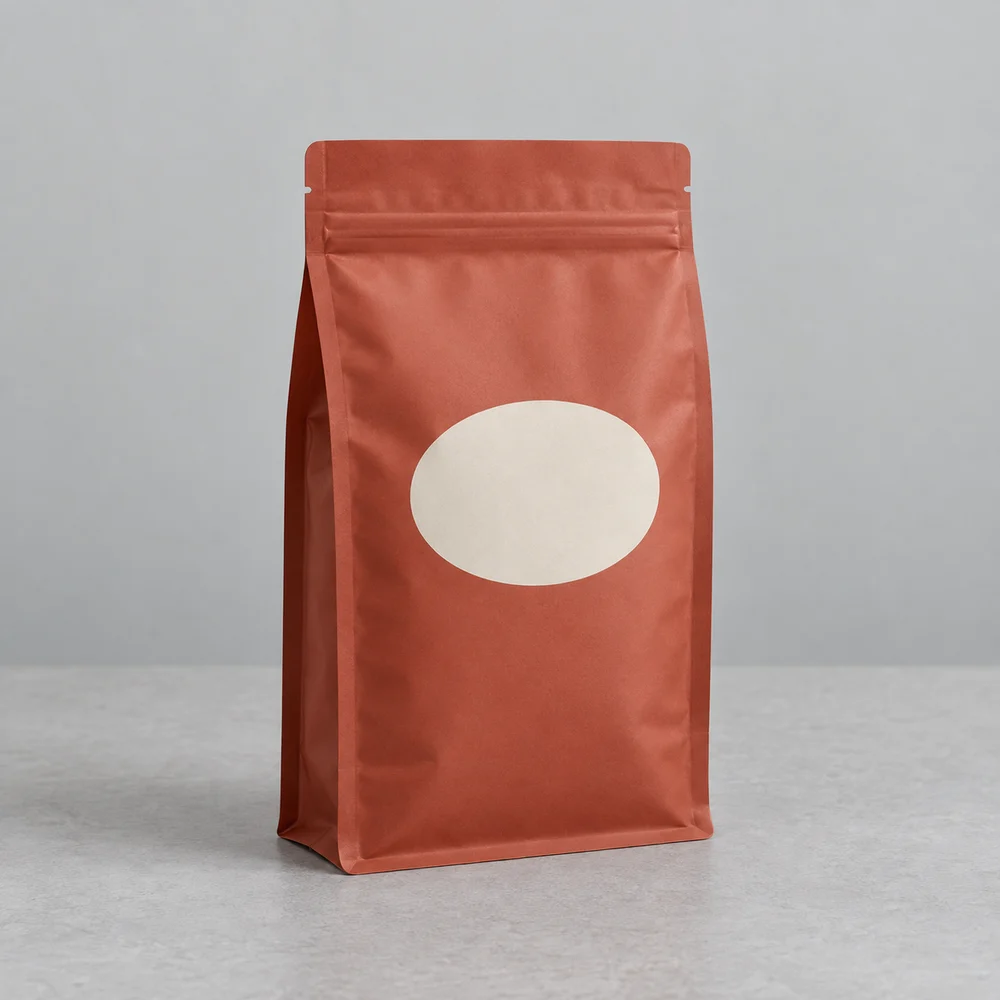
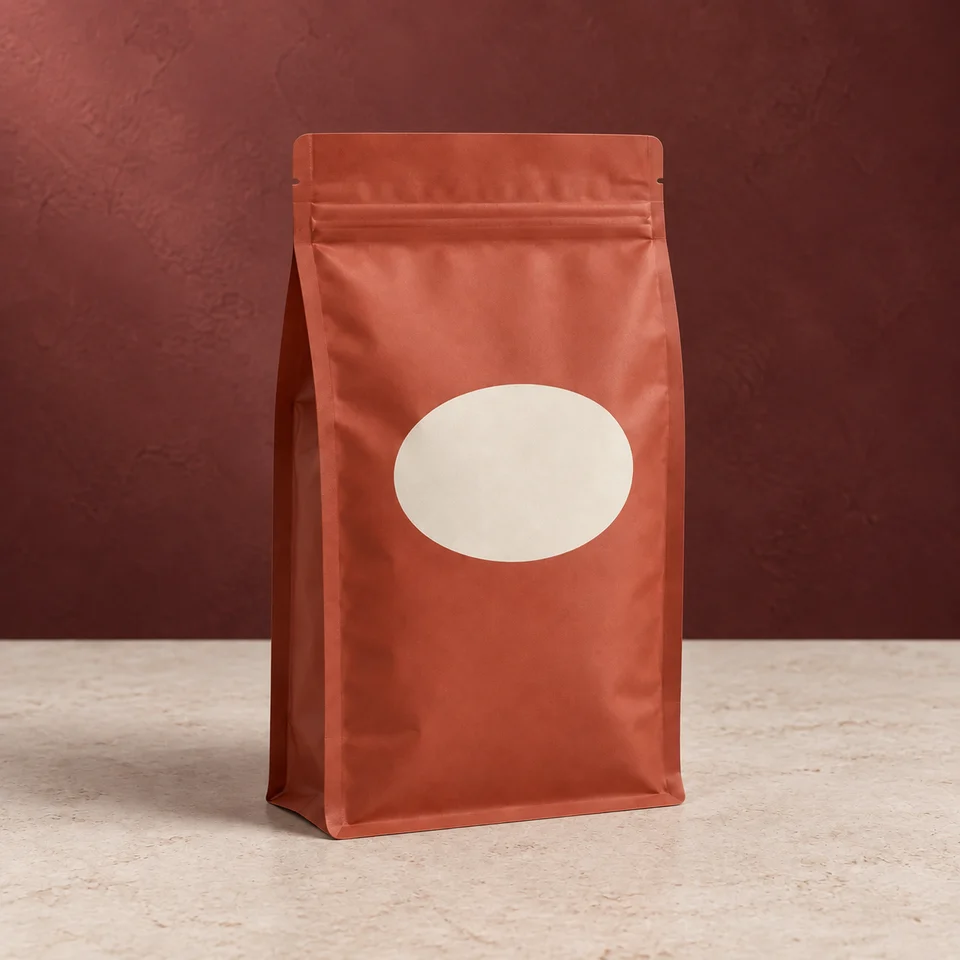
AI-created source, not a customer photograph. The background was generated for this scene experiment, not a customer order. Compare product details before using a similar workflow for your own goods.
The pouch color in the result appears slightly brighter and more saturated orange-red than the original muted terracotta tone. Small side notch details near the top edge look darker and more hole-like in the result than in the original. Lighting direction is somewhat ambiguous; the wall is brighter on the left, but product highlights and counter shadow do not clearly confirm upper-left light.
Automated review is fallible. It does not certify authenticity, label accuracy or platform compliance.
Who this is for
Food shops refreshing a holiday collection without repackaging.
Where to use this direction
Try this as a supporting campaign image, alongside a clear product photograph. The background can suggest a season without implying that ribbons, gift boxes or accessories are included.
The background brief
A muted burgundy wall and a pale stone counter create contrast with the terracotta pouch. Keep the surface level and the background softly lit.
The scene description used for this experiment
This is the scene input. Product-preservation instructions are also included. Reusing it does not guarantee the same result.
Muted burgundy plaster studio wall behind a pale ivory stone counter. Quiet festive editorial atmosphere, soft upper-left light. No ribbons, decorations, gifts, ingredients or text. Preserve the pouch color and label.What to inspect at full size
Compare the pouch color against the original; warm surroundings can make the red look darker. Inspect the corners and seal for stretching.
What this image does not establish
Do not call the item a gift set unless the actual offer is a set. Add promotional copy outside the AI image in your layout, not on the package.
Questions about this example
Is this a real customer photo?
No. PackScena used its own AI-created design sample and generated a new background through its configured image workflow. The original and result are published together.
What should I check before using this scene?
Compare the pouch color against the original; warm surroundings can make the red look darker. Inspect the corners and seal for stretching.
Can I reproduce the same image with this prompt?
The scene description is provided, but generation also includes product-preservation instructions. Reusing the description does not guarantee the same output. Start with one clear product photo and compare the result at full size.
How we document and correct experiments
Try the direction with your product
Apply for an invitation, then upload a clear product photo and paste the scene description into scene A or B. Start with one item and review it before preparing a whole collection.
Apply for a trial