Clean color
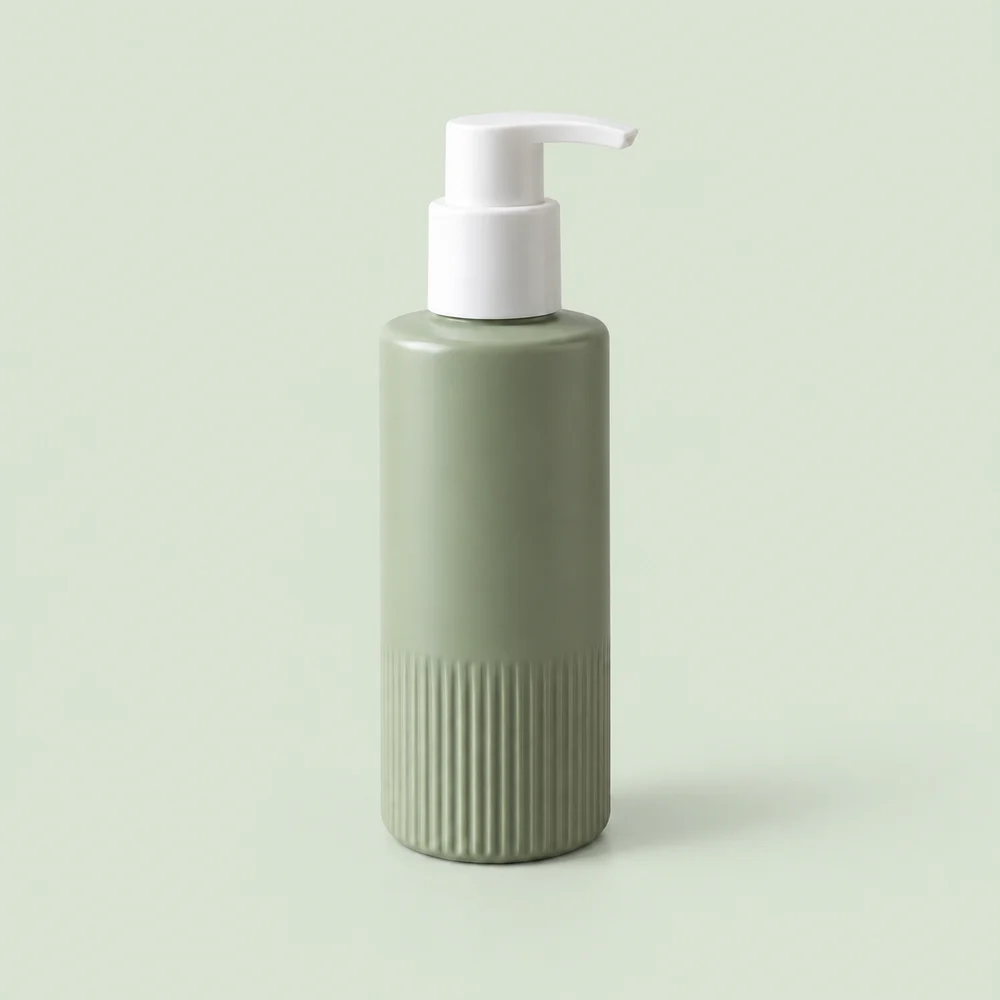
A clean pale sage background with a soft contact shadow. No props.
 中文Apply for a free trial
Explore six categories of design samples. Compare each original, three actual outputs and inspection notes.
Choose an existing sample and background, compare the details, then download the preview. These are saved AI outputs, not a live generation.
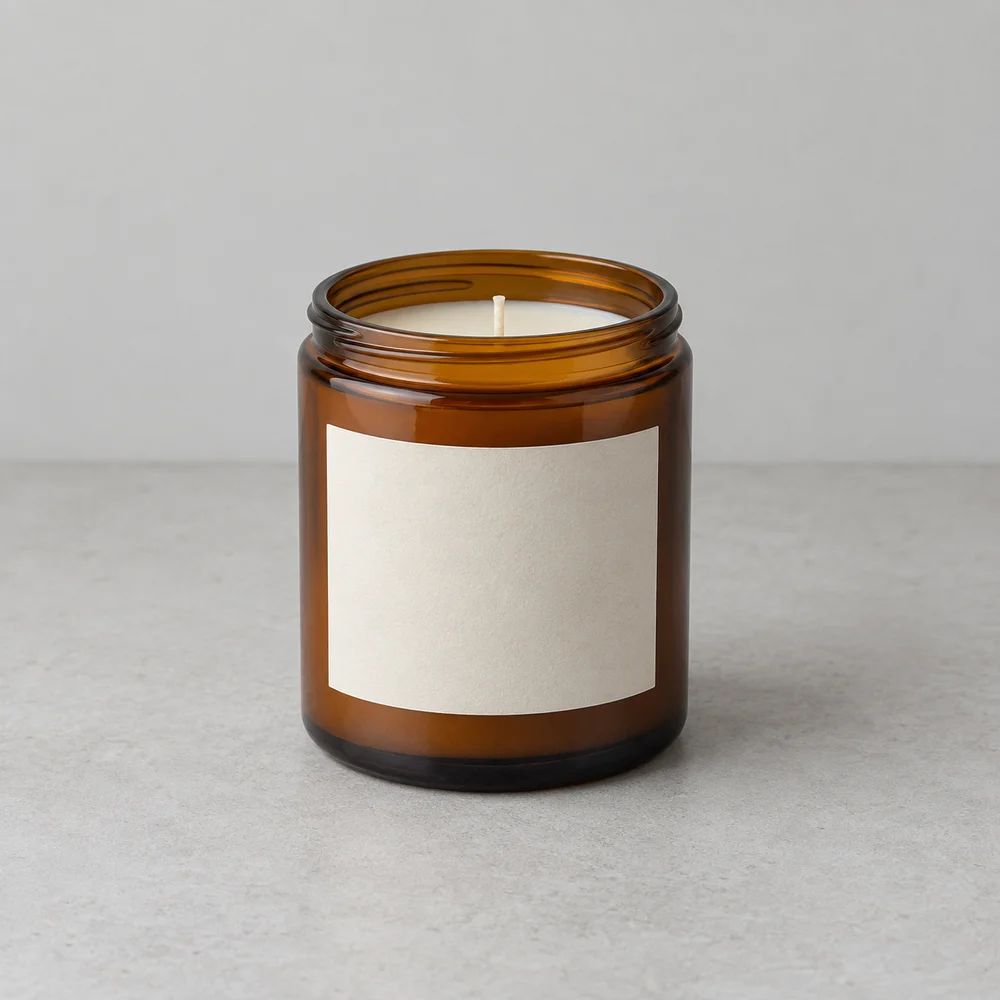
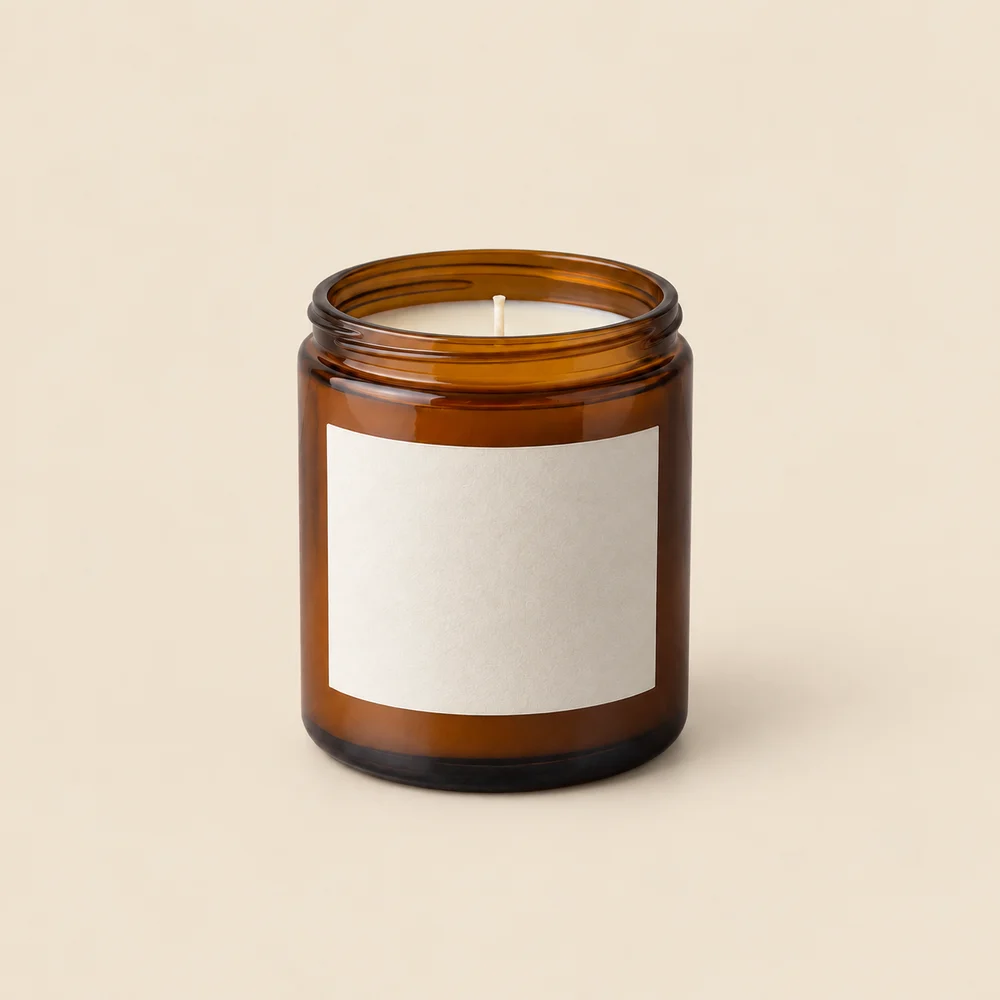
Glass rim, wick and label edges
Originals are our AI-created design samples. Sample preview downloads are WebP; the real workspace exports PNGs.6 sample sets shown
Pump, ribs and bottle silhouette
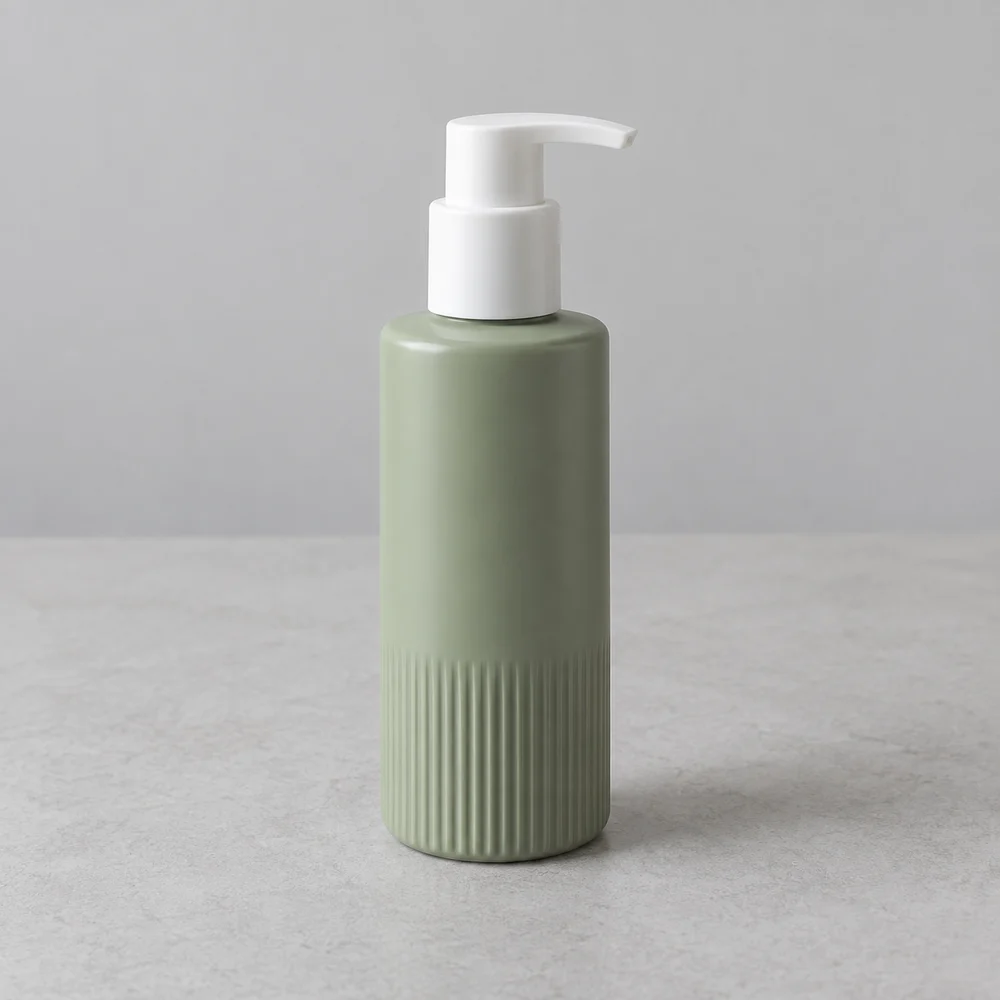
AI inspection could not be completed. Compare the product manually.
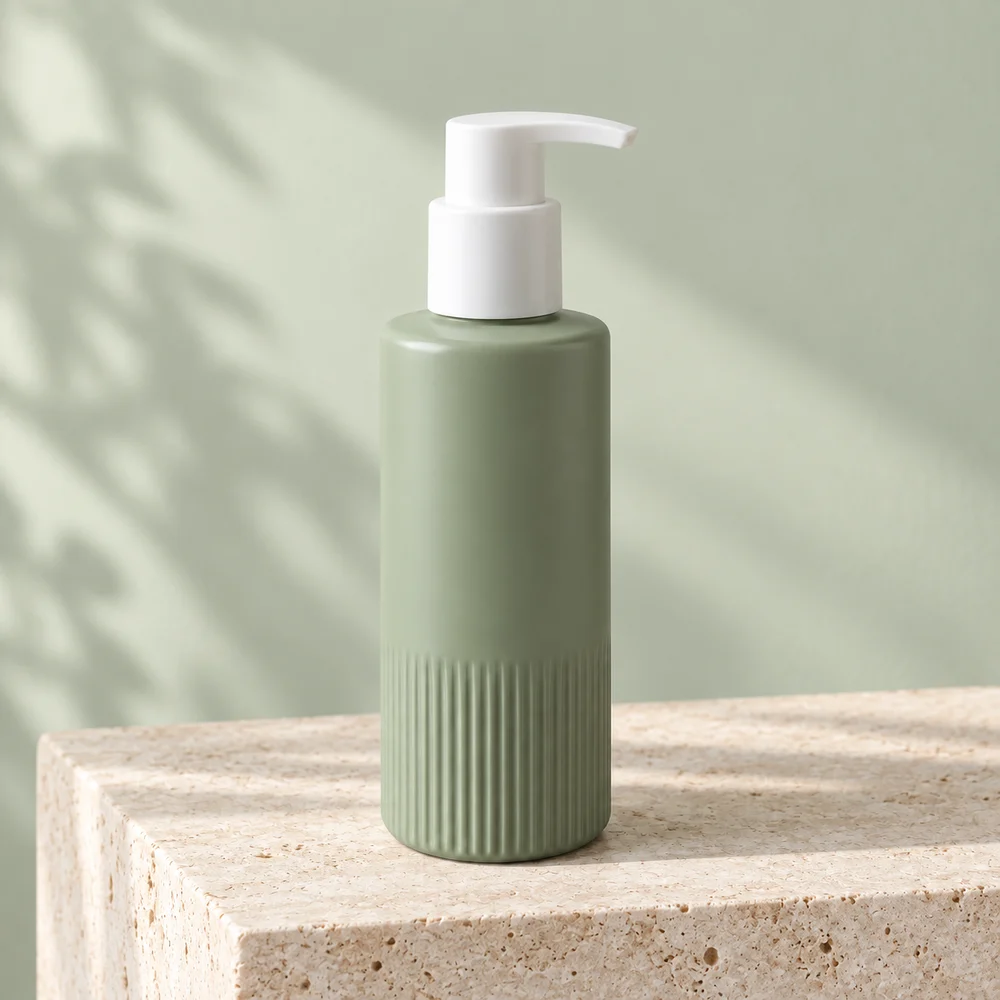
AI inspection could not be completed. Compare the product manually.
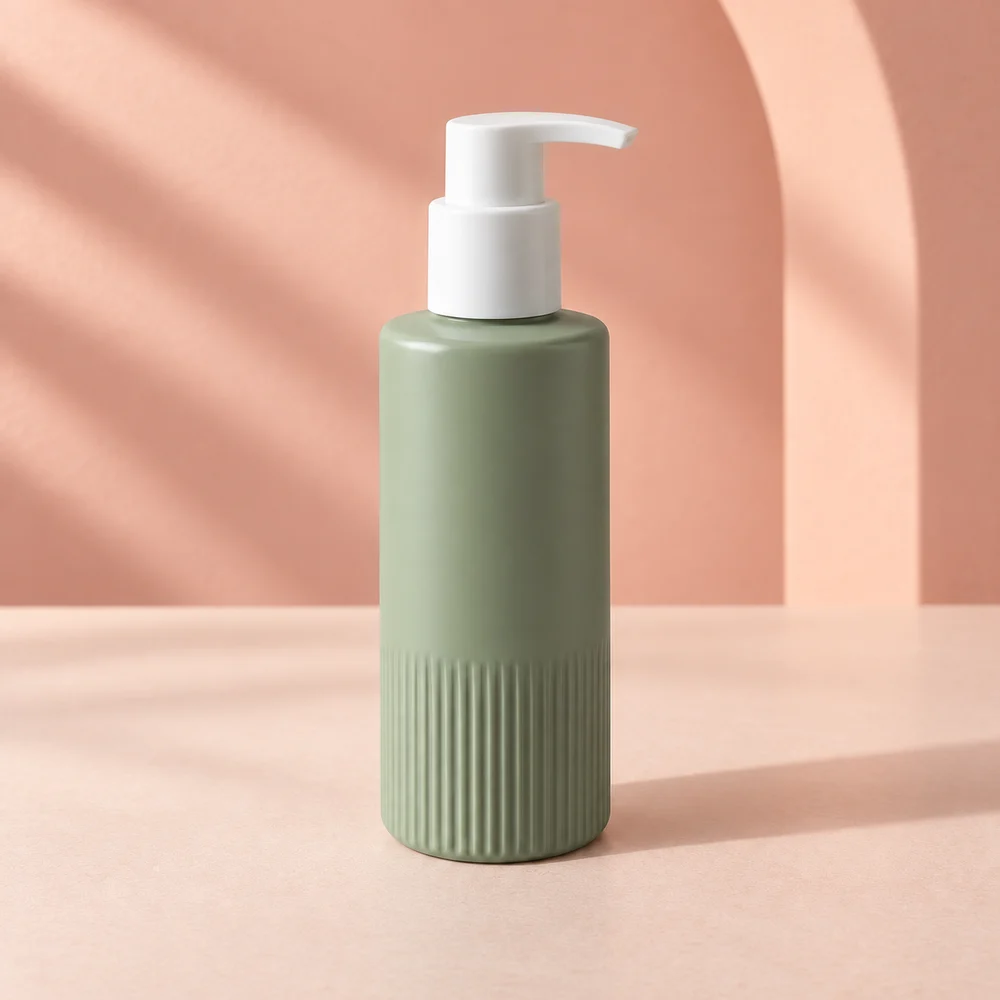
AI inspection could not be completed. Compare the product manually.
These synthetic source products test background generation, not real-world capture conditions or brand text. Compare shape, material and small details before using an output. AI checks are not approval to publish.
SCENE EXPERIMENTS
13 background experiments, each with its source image, scene brief and review notes.
Our AI-created design samples, with newly generated backgrounds. These are experiments, not customer results or a promise of unchanged product details.
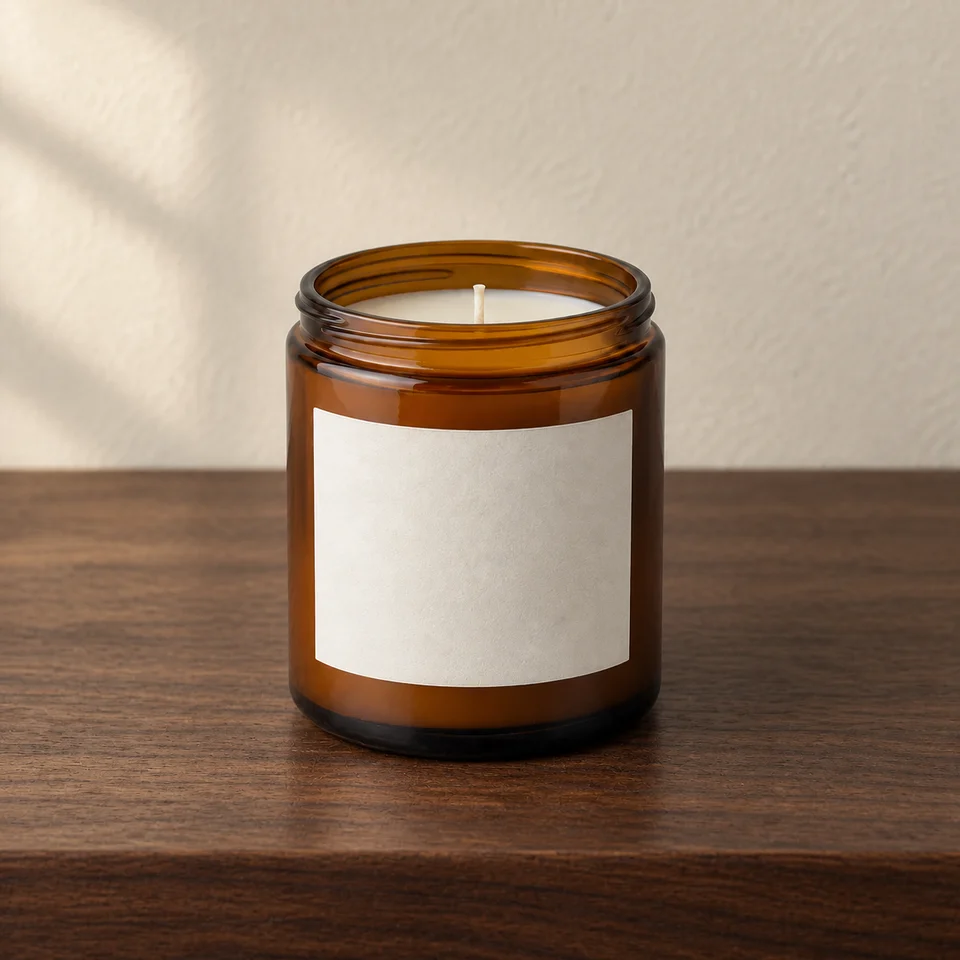
An unlit amber jar against walnut and warm plaster, with room for a seasonal collection headline.
Details need reviewView before & after →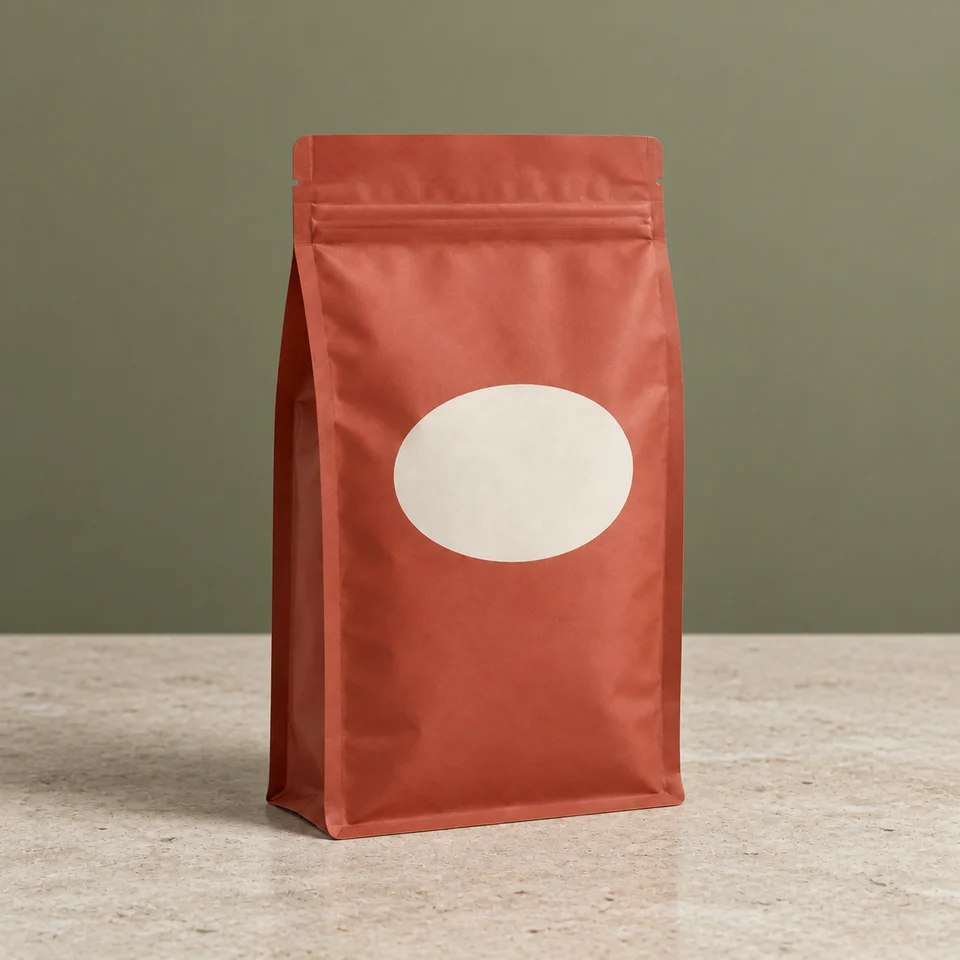
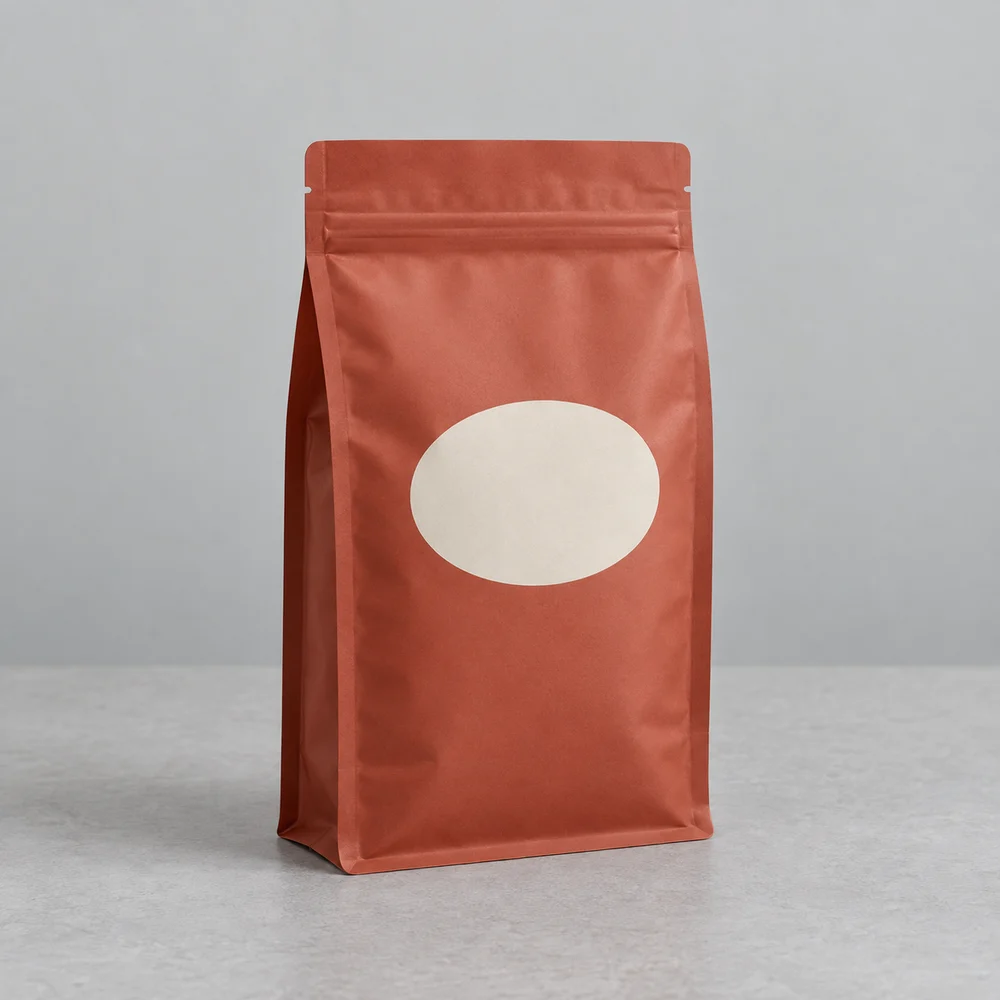
A terracotta pouch on a light stone counter with a muted olive backdrop.
Details need reviewView before & after →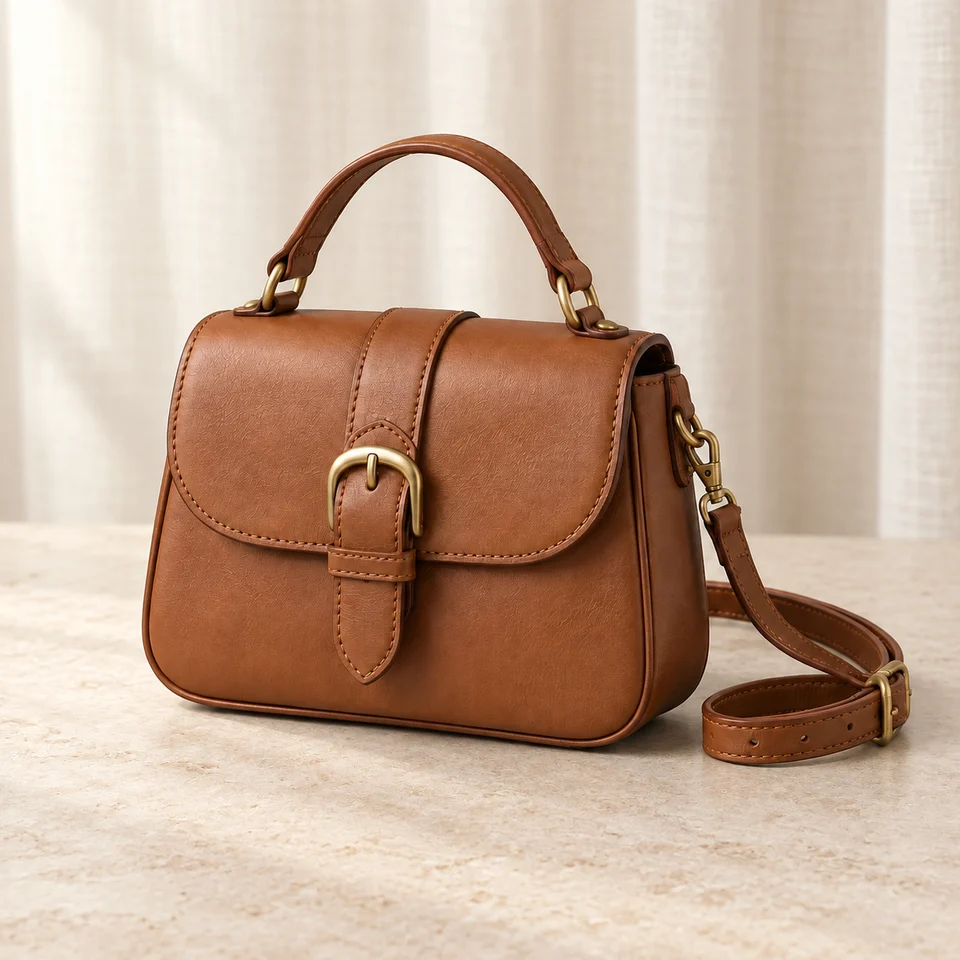
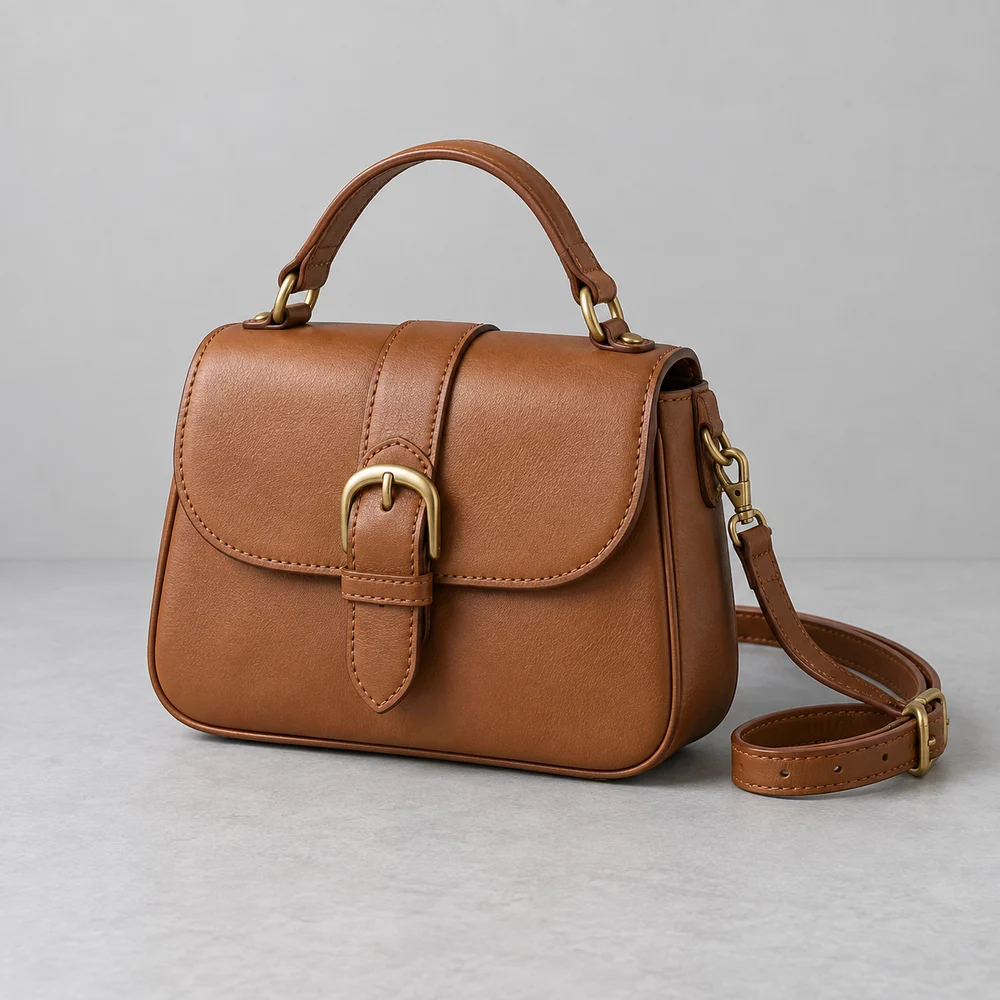
A cognac bag against soft linen and a pale display surface for a boutique collection.
Details need reviewView before & after →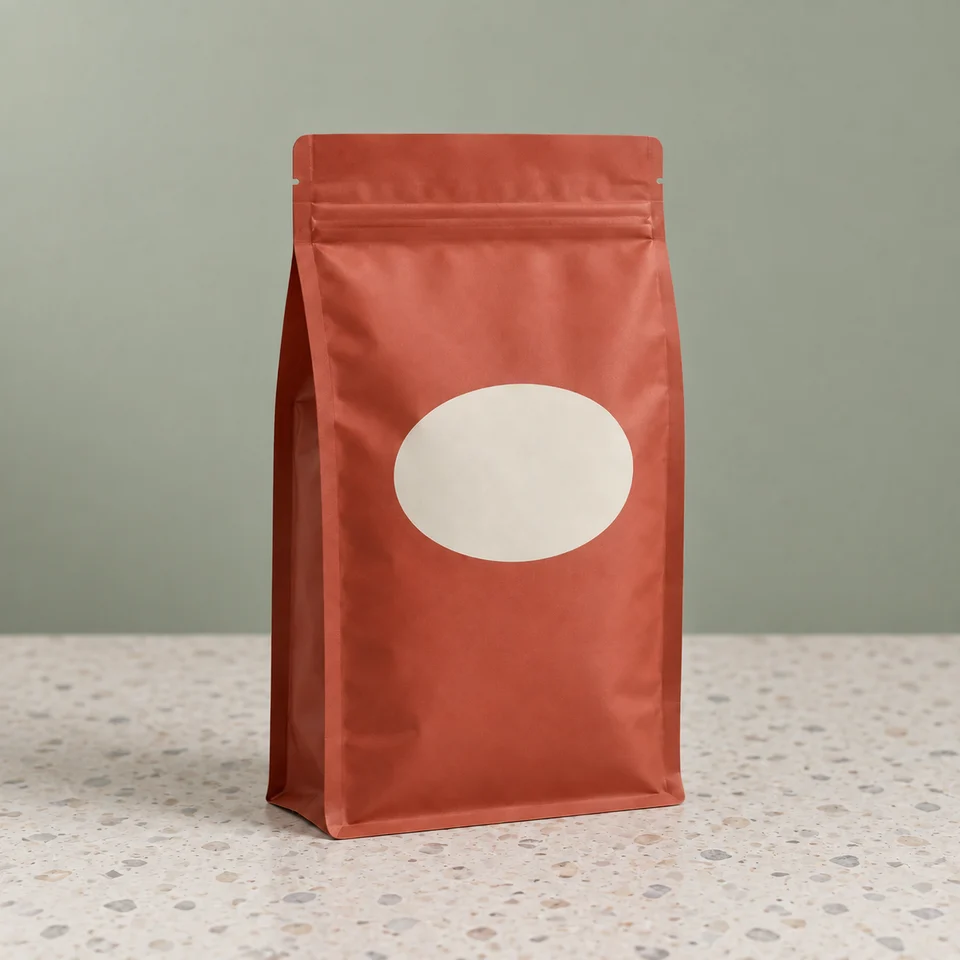
A pantry-style setting for a stand-up pouch, with the blank label kept clear.
Review notes includedView before & after →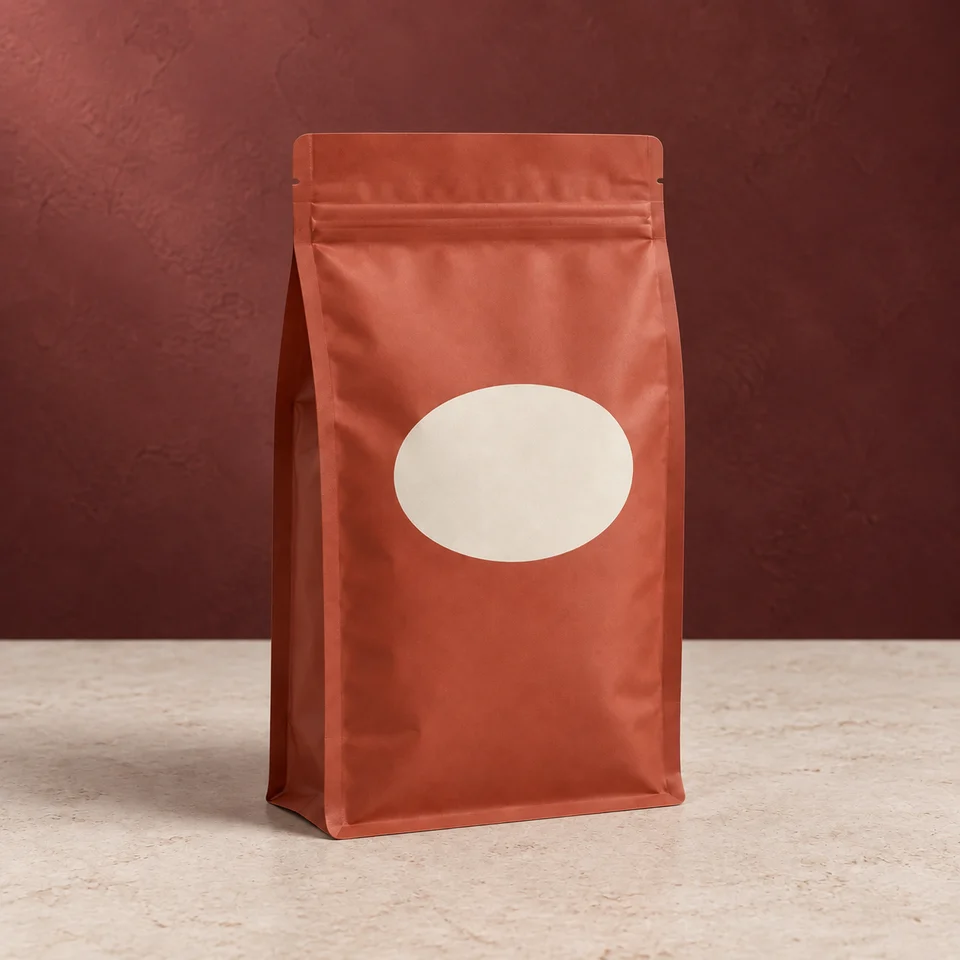
An understated seasonal image made with background color rather than extra gift items.
Details need reviewView before & after →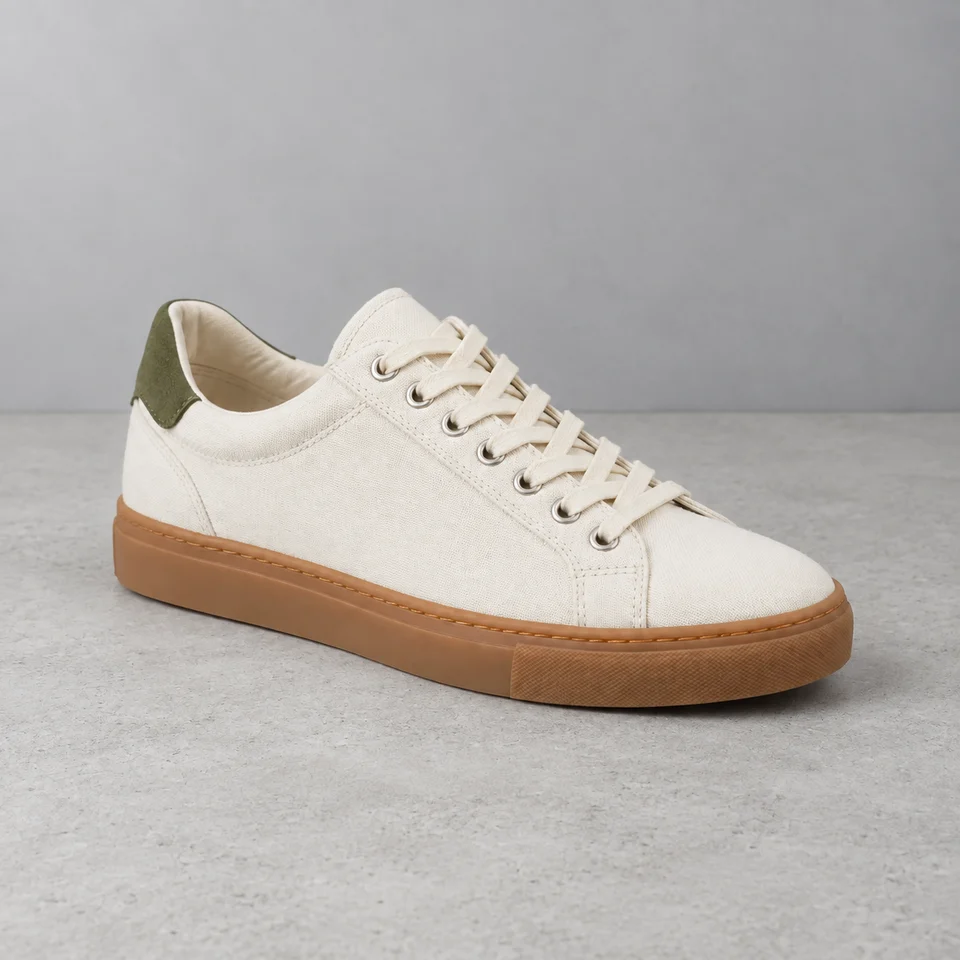
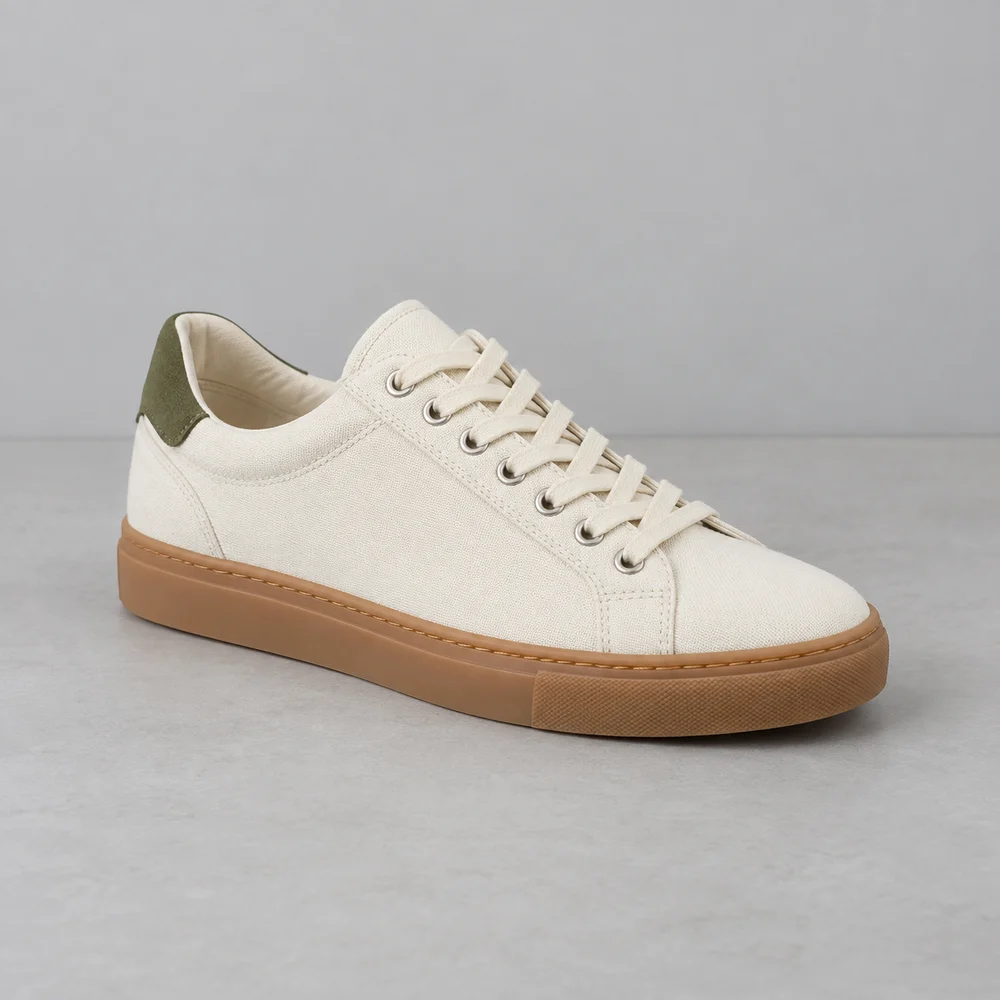
A restrained concrete setting that leaves the sole and canvas texture easy to inspect.
Review notes includedView before & after →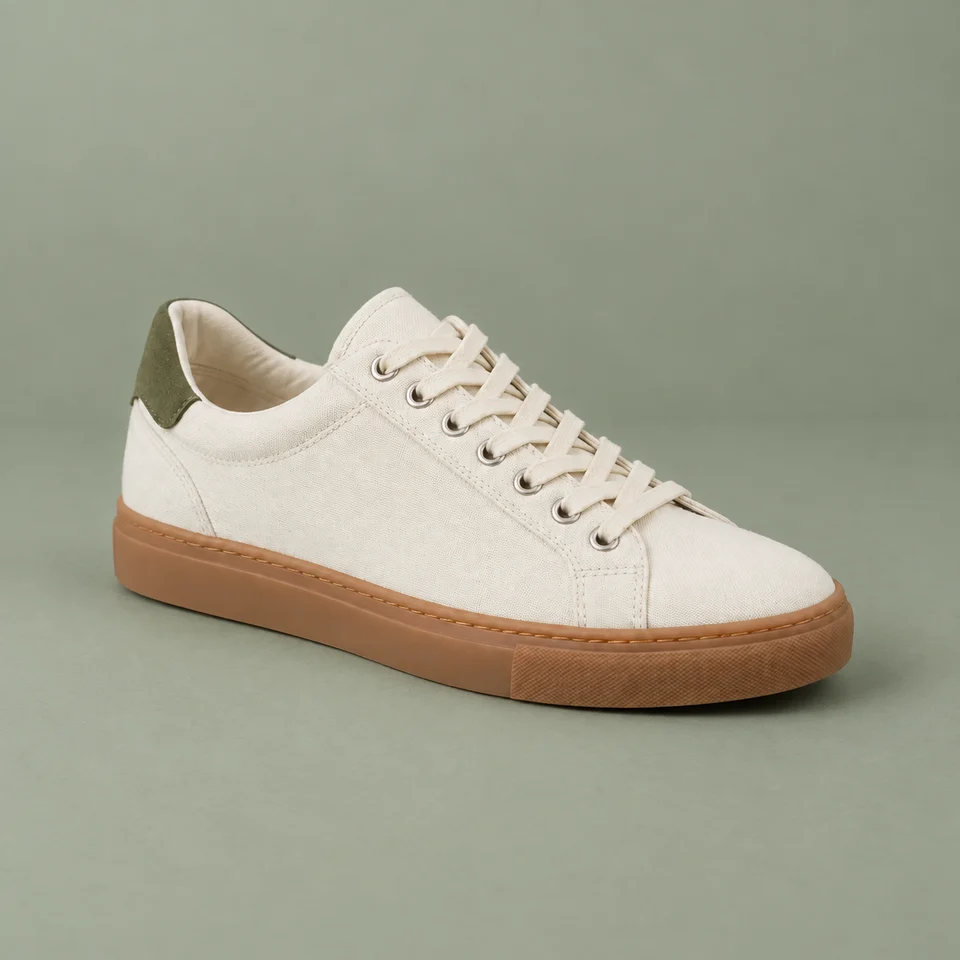
Use a muted color field to connect the background with a small accent on the shoe.
Review notes includedView before & after →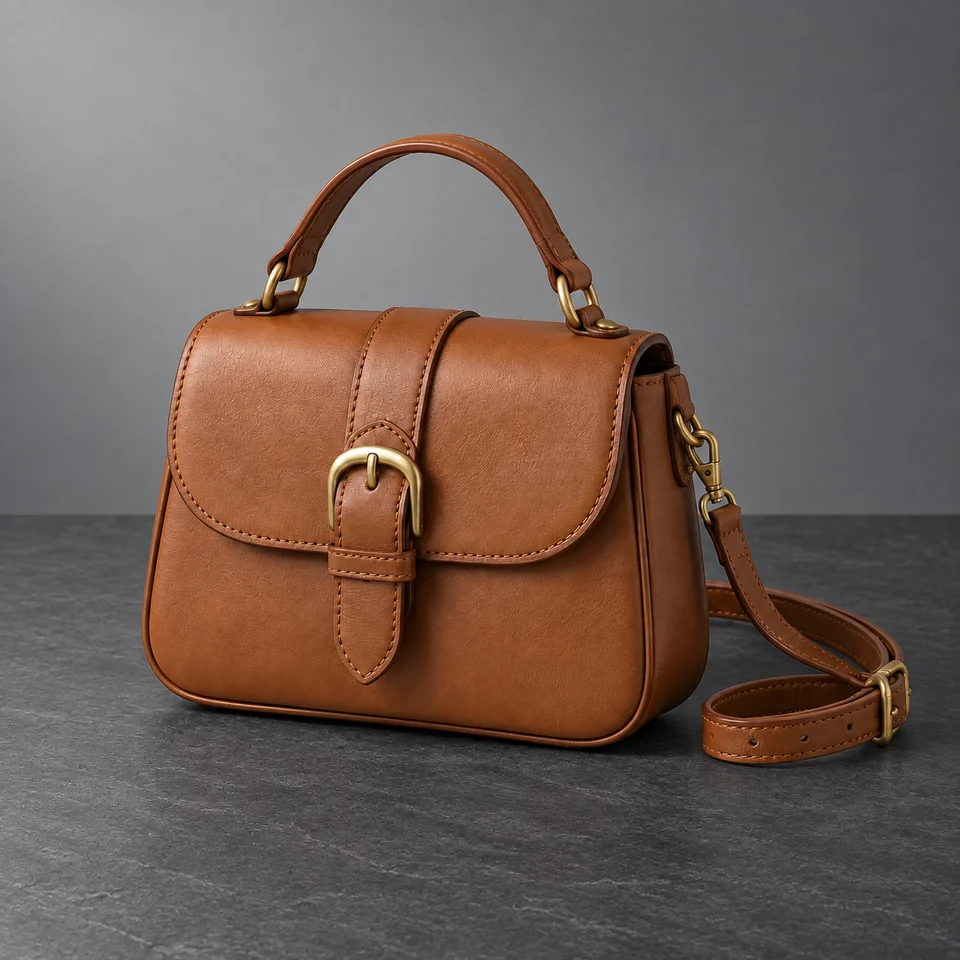
Separate a warm brown bag from a cool dark surface without losing the shoulder strap.
Review notes includedView before & after →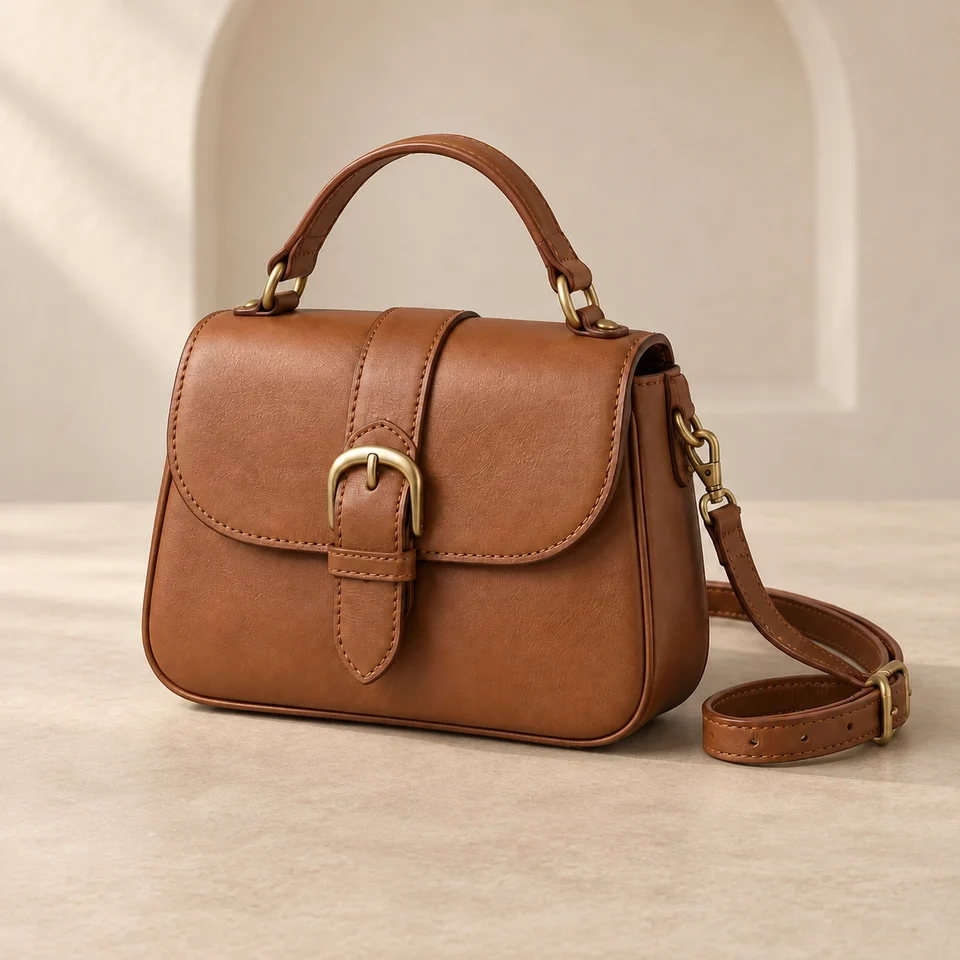
A distant architectural curve adds structure while the bag stays on a simple surface.
Details need reviewView before & after →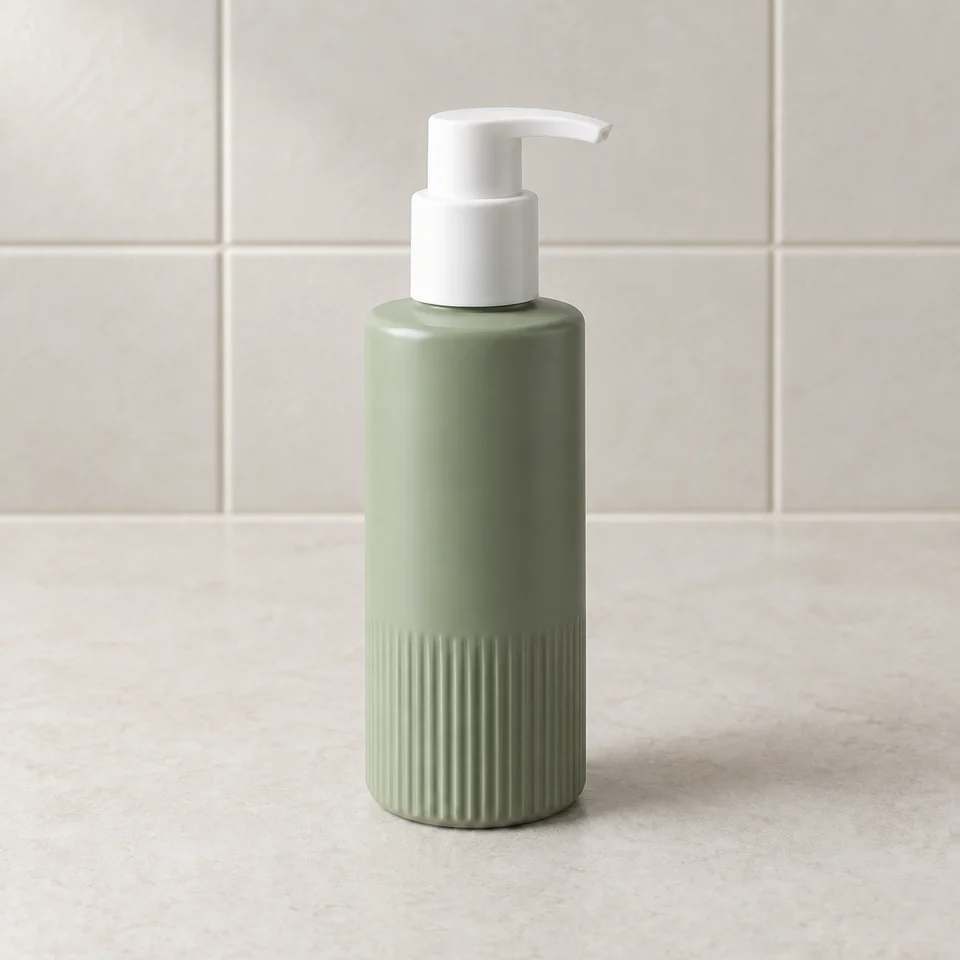
Give a pump bottle everyday context with a dry, uncluttered tiled setting.
Review notes includedView before & after →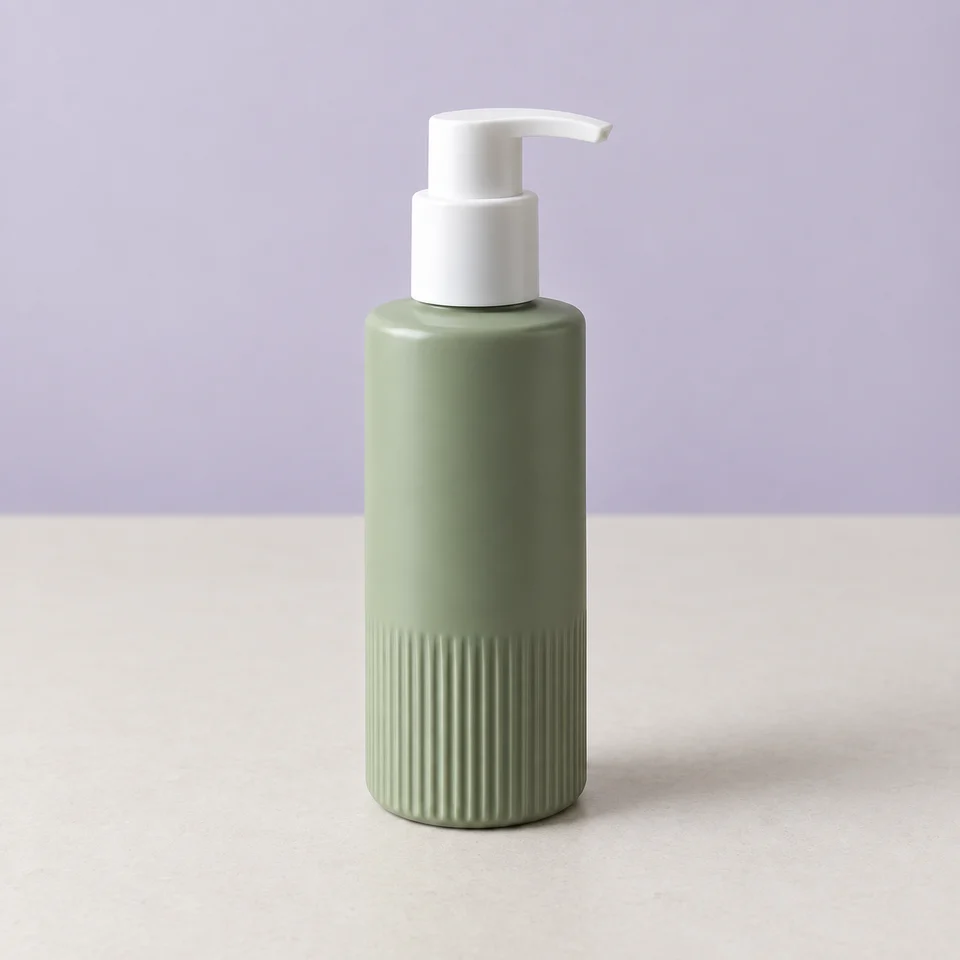
Compare a pastel campaign direction with the original neutral bottle photo.
Review notes includedView before & after →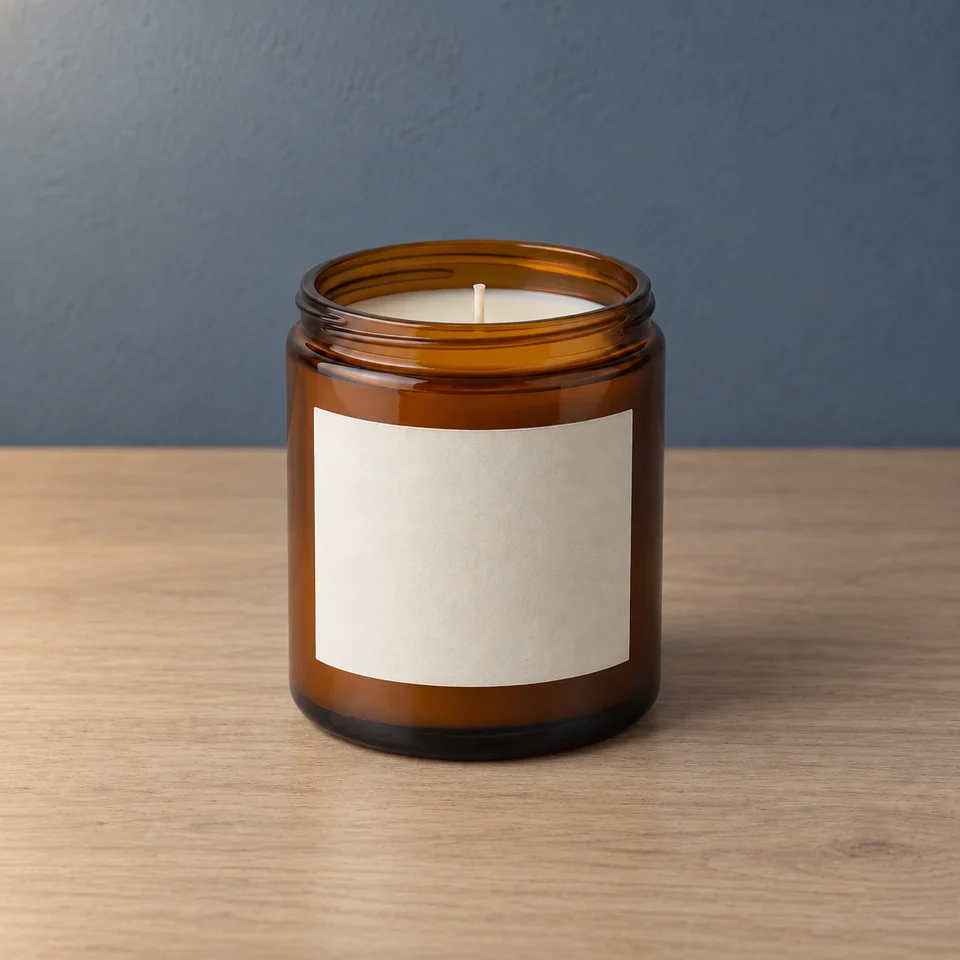
Suggest a quiet evening through the background while keeping the candle unlit.
Details need reviewView before & after →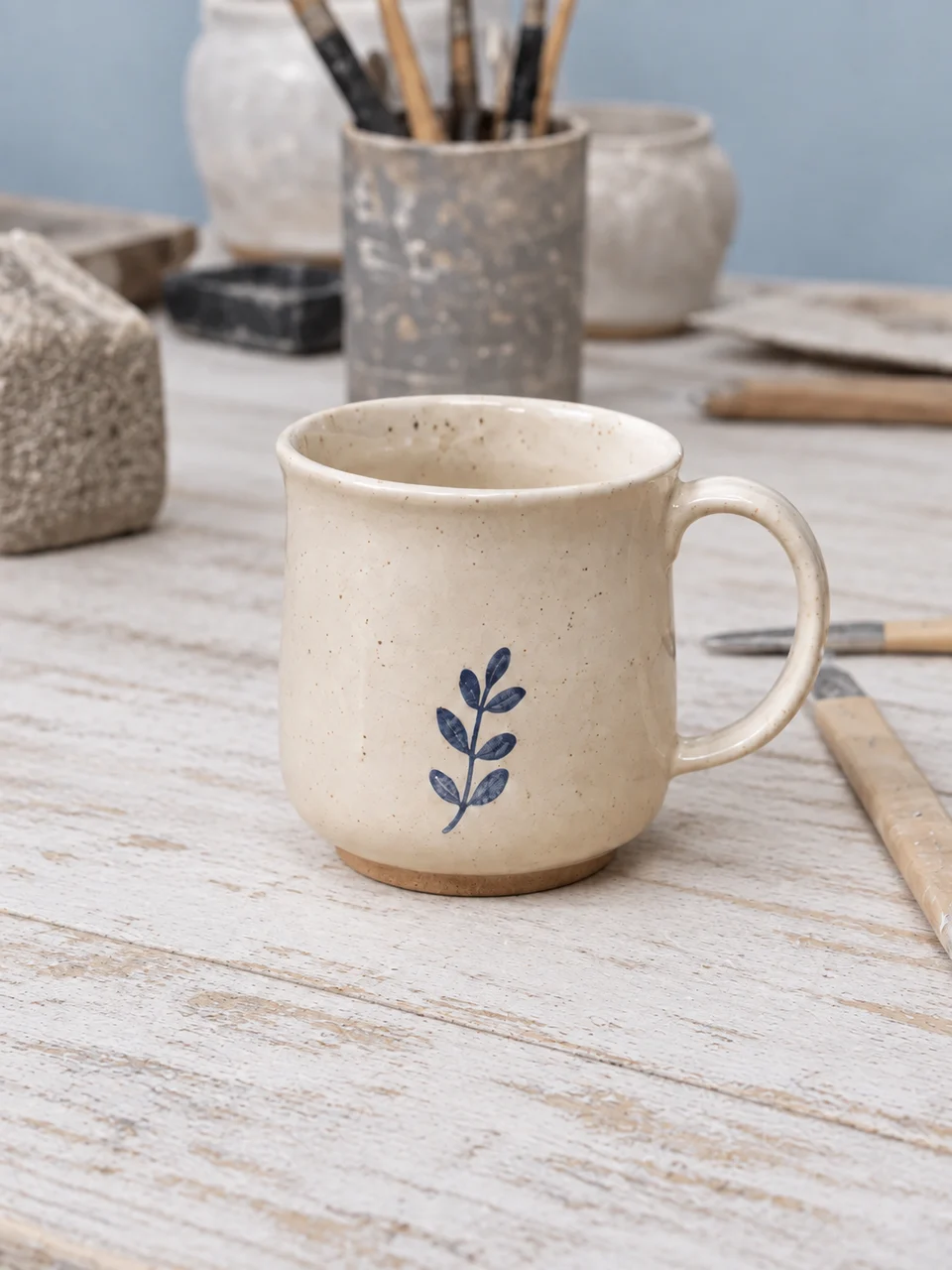
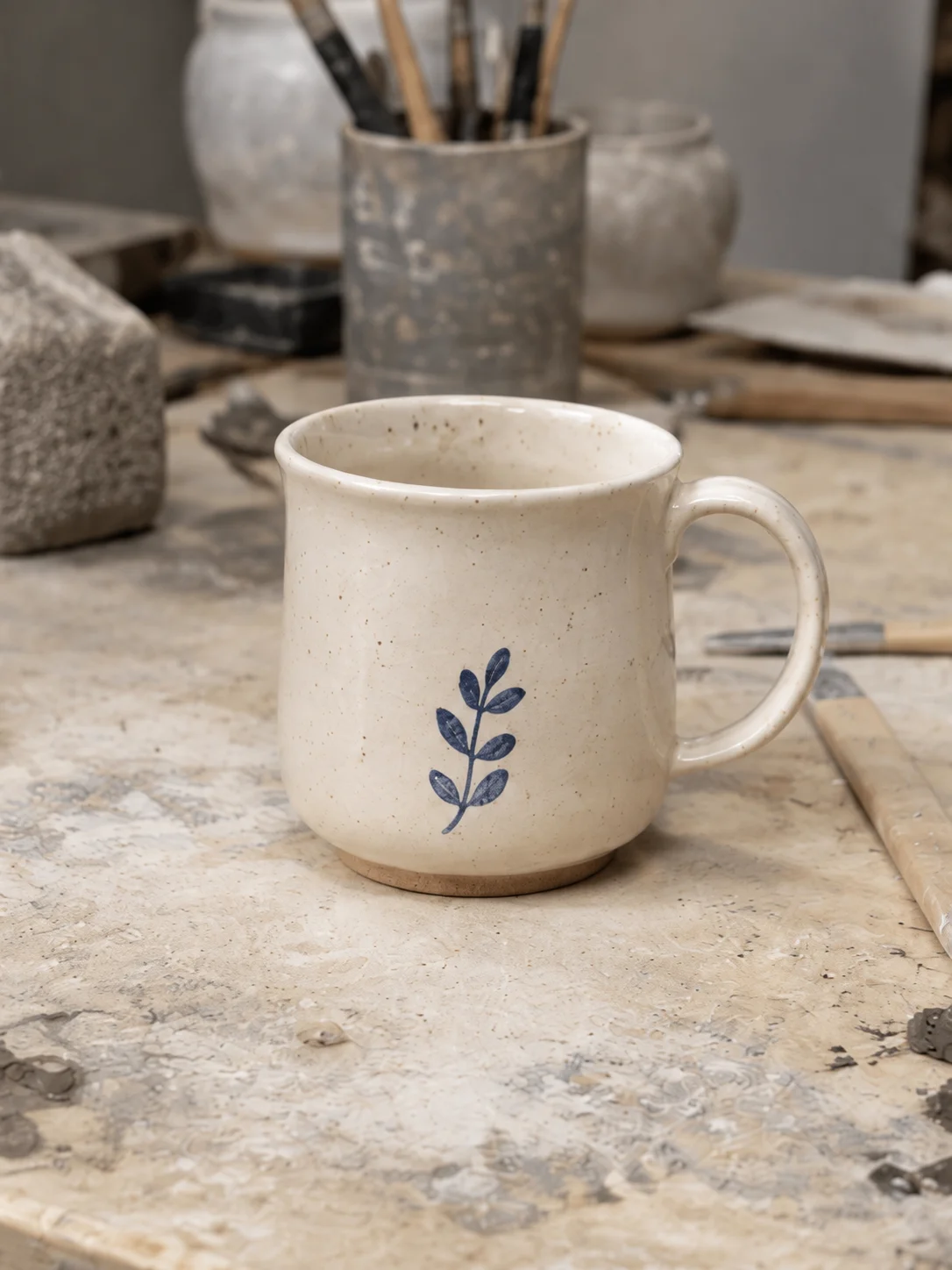
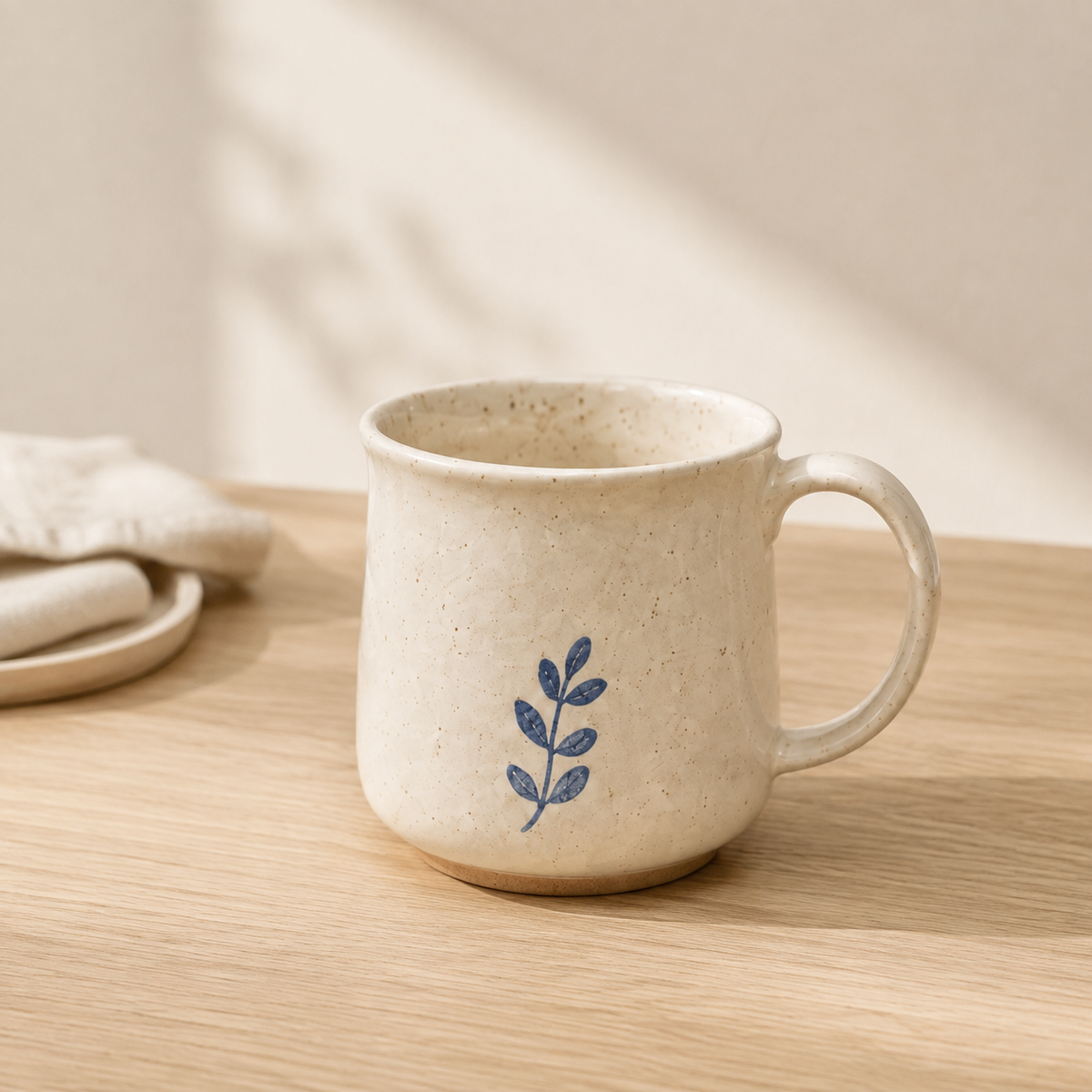
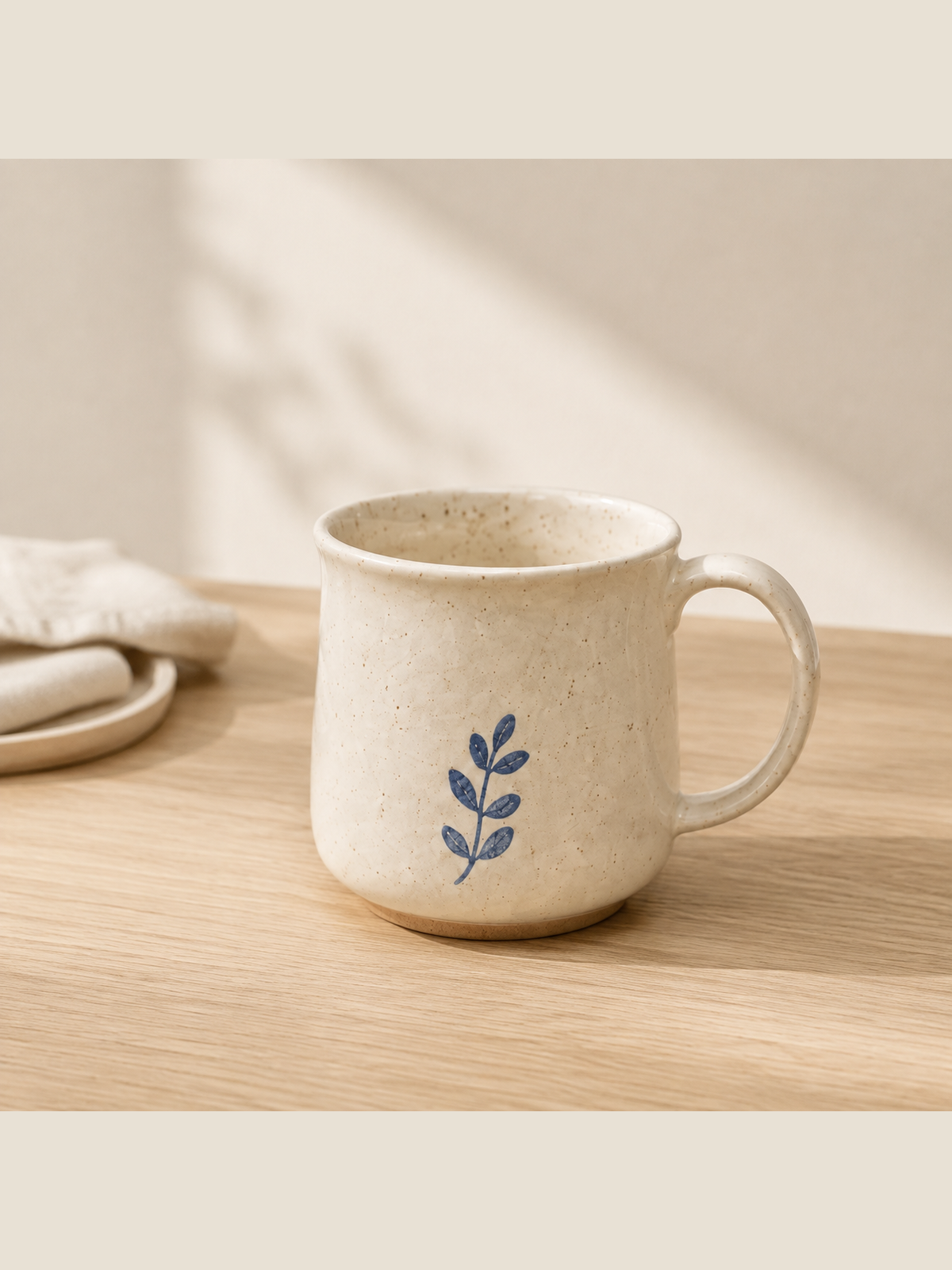
A pale blue wall and a simple wood surface give a workshop mug a lighter setting.
Details need reviewView before & after →Copy a scene description into the workspace, then adjust the color and details for your own product.
A clean pale sage background with a soft contact shadow. No props.
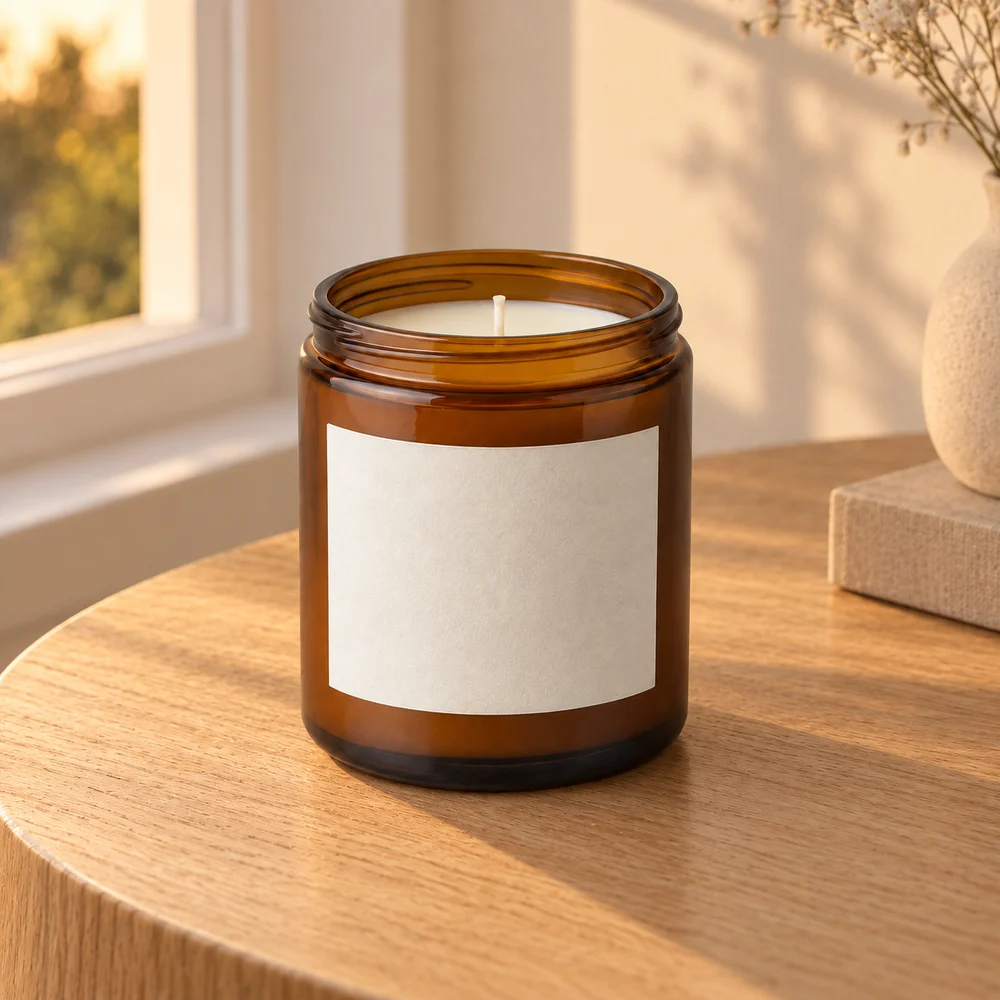
Natural oak table beside a window, soft warm daylight, a quiet uncluttered room.
Pastel coral studio backdrop with curved architectural shadows and a simple display surface.
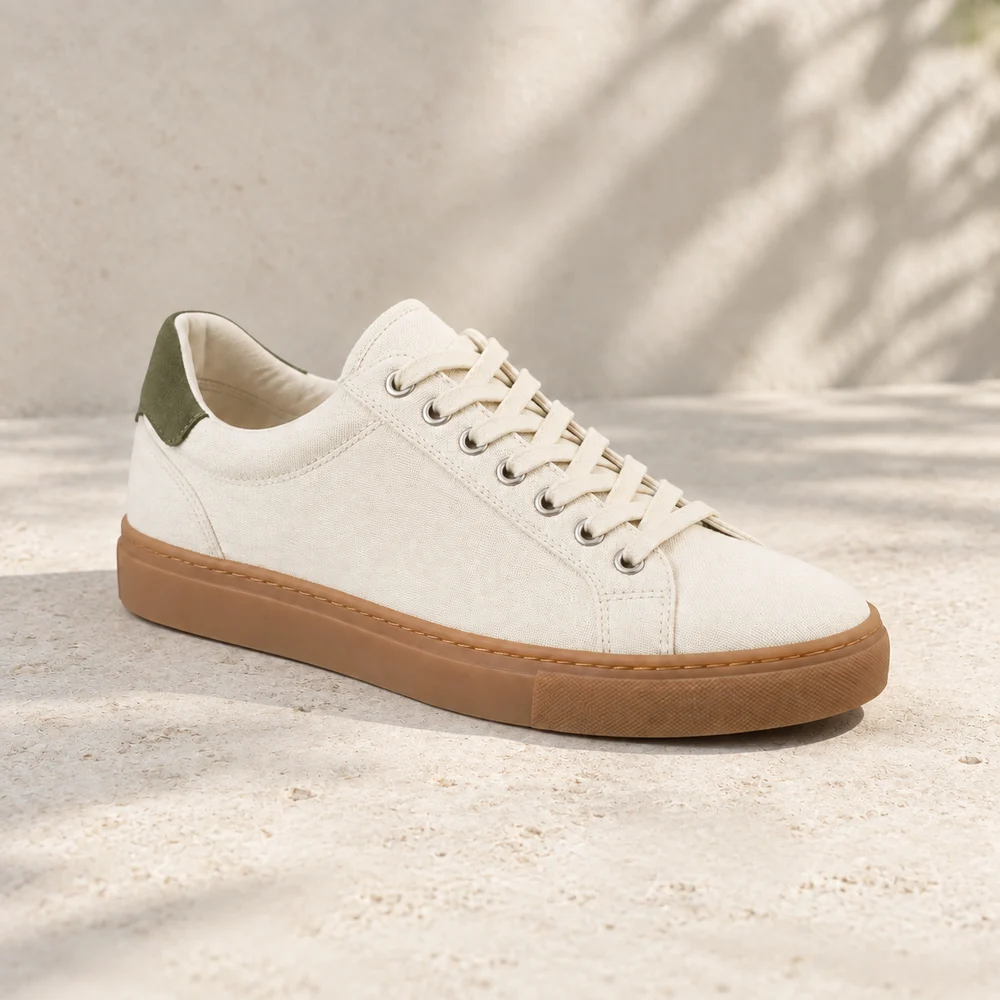
Pale limestone surface, gentle directional sunlight, muted neutral background.
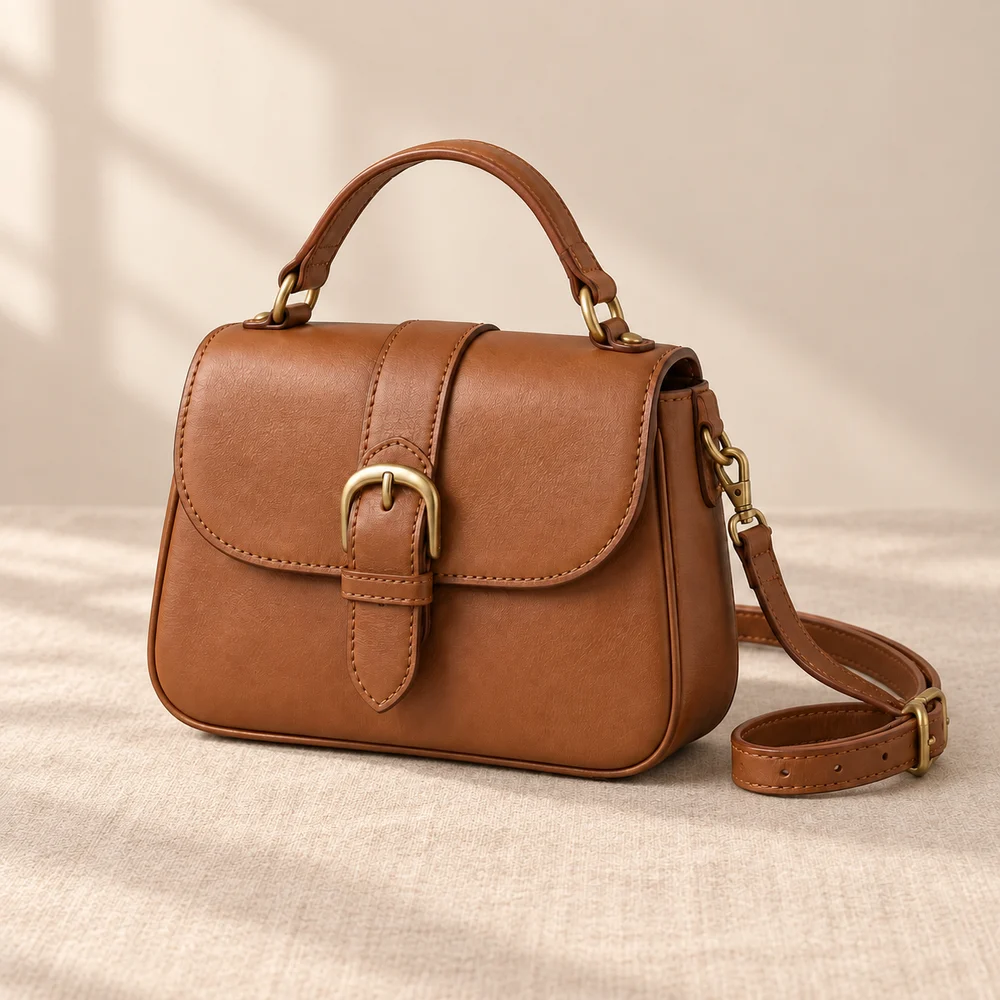
Warm beige linen surface, diffused window light, a minimal neutral background.
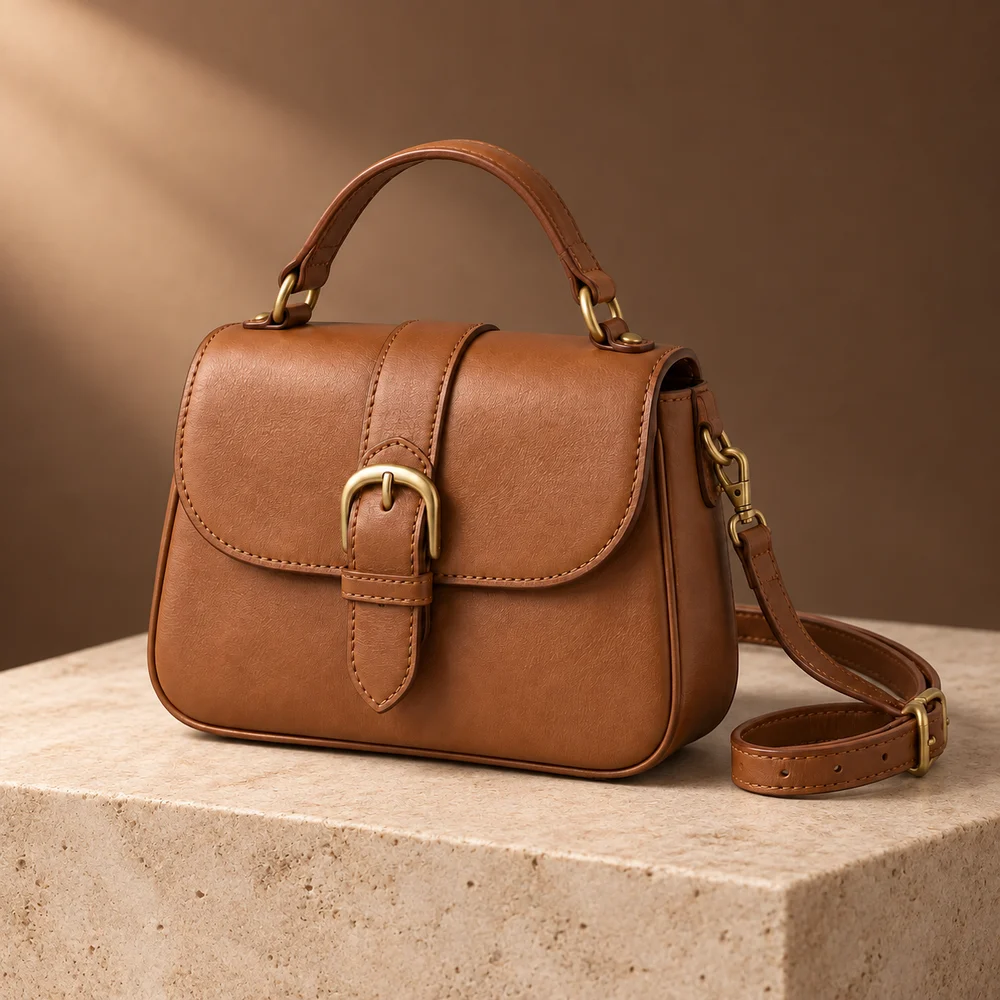
Deep warm brown studio, an elegant stone plinth, soft rim lighting.
Color controls the clean main image; scene descriptions apply to the lifestyle outputs.
Get square and portrait PNGs for every composition. The complete image is resized and padded, so nothing is cropped away.
This is formatting, not AI outpainting or additional detail. Sample files below use our existing ceramic test output.
On September 7, 2026, we used our own designed mug image with gpt-image-2 for images and gpt-5.5 for vision through a custom provider. It is not a customer's product photo. We requested 1024×1536, but received 1254×1254. These are raw test outputs, not an approved listing image pack.
The public record does not contain every prompt or random parameter. You can review image differences, but cannot reproduce exact pixels. Both scene images passed initial AI checks. The main image passed after correcting the scope of the check; none had been manually approved at that stage. A separate probe failed. Revision behavior has integration tests, but no public real before-and-after revision case yet.
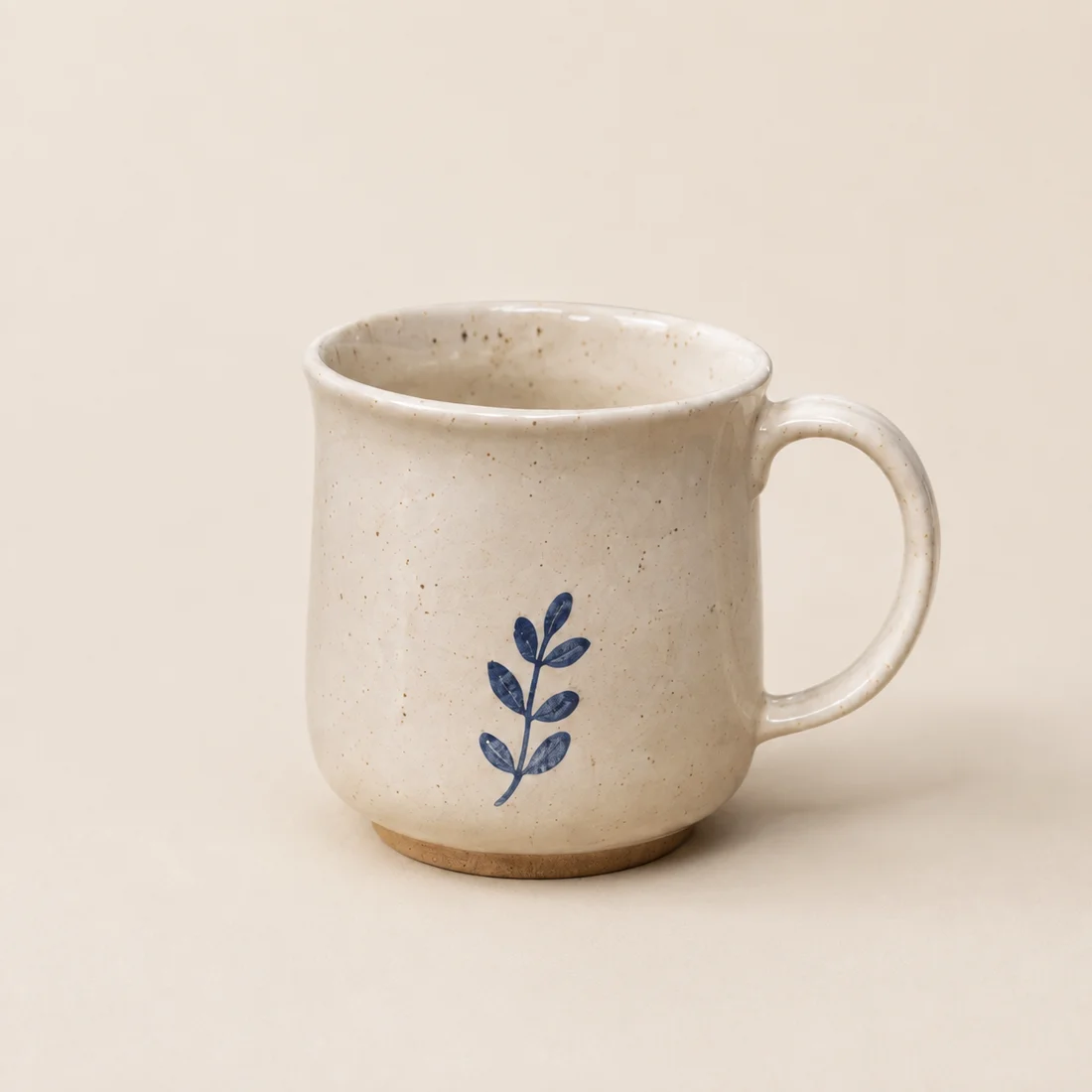
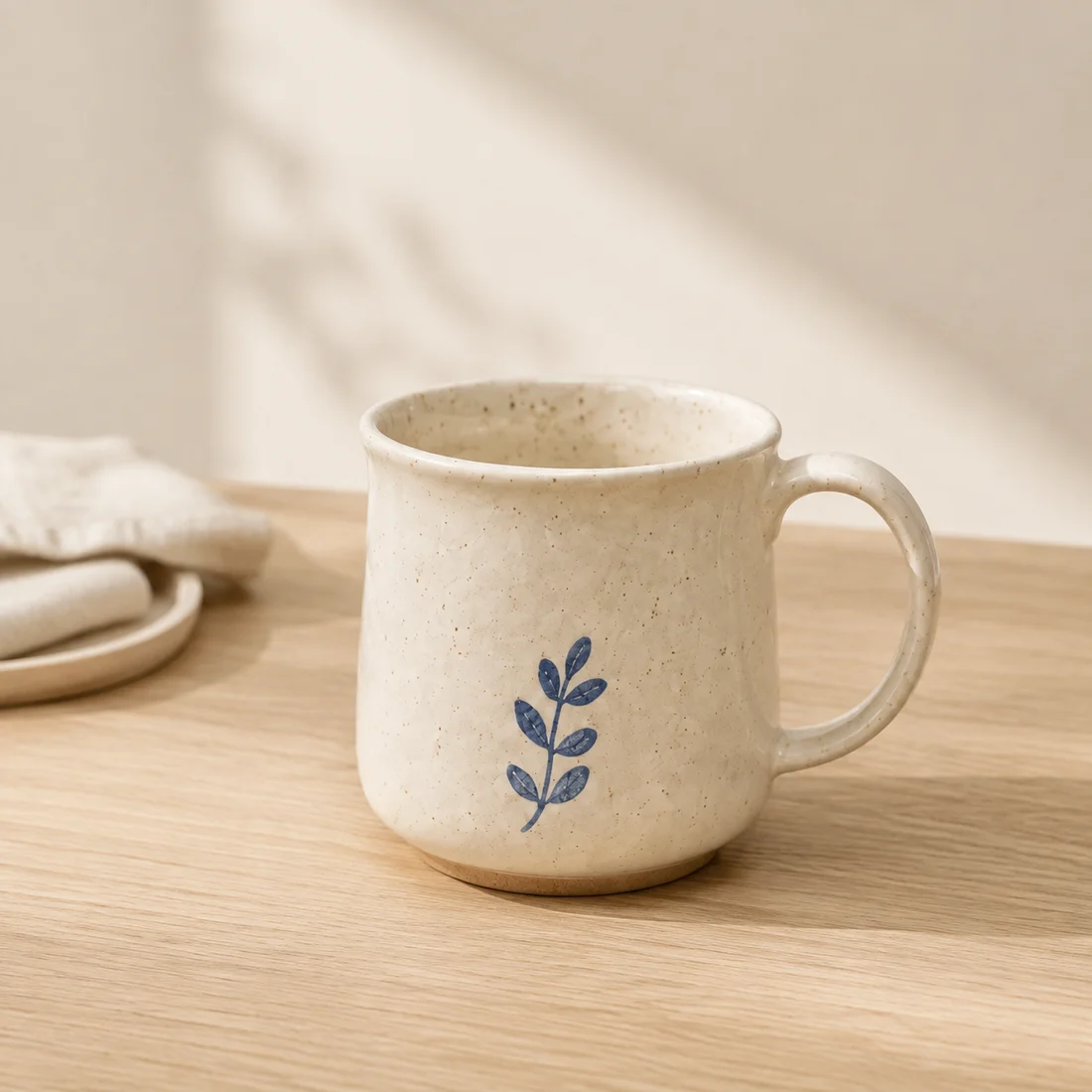
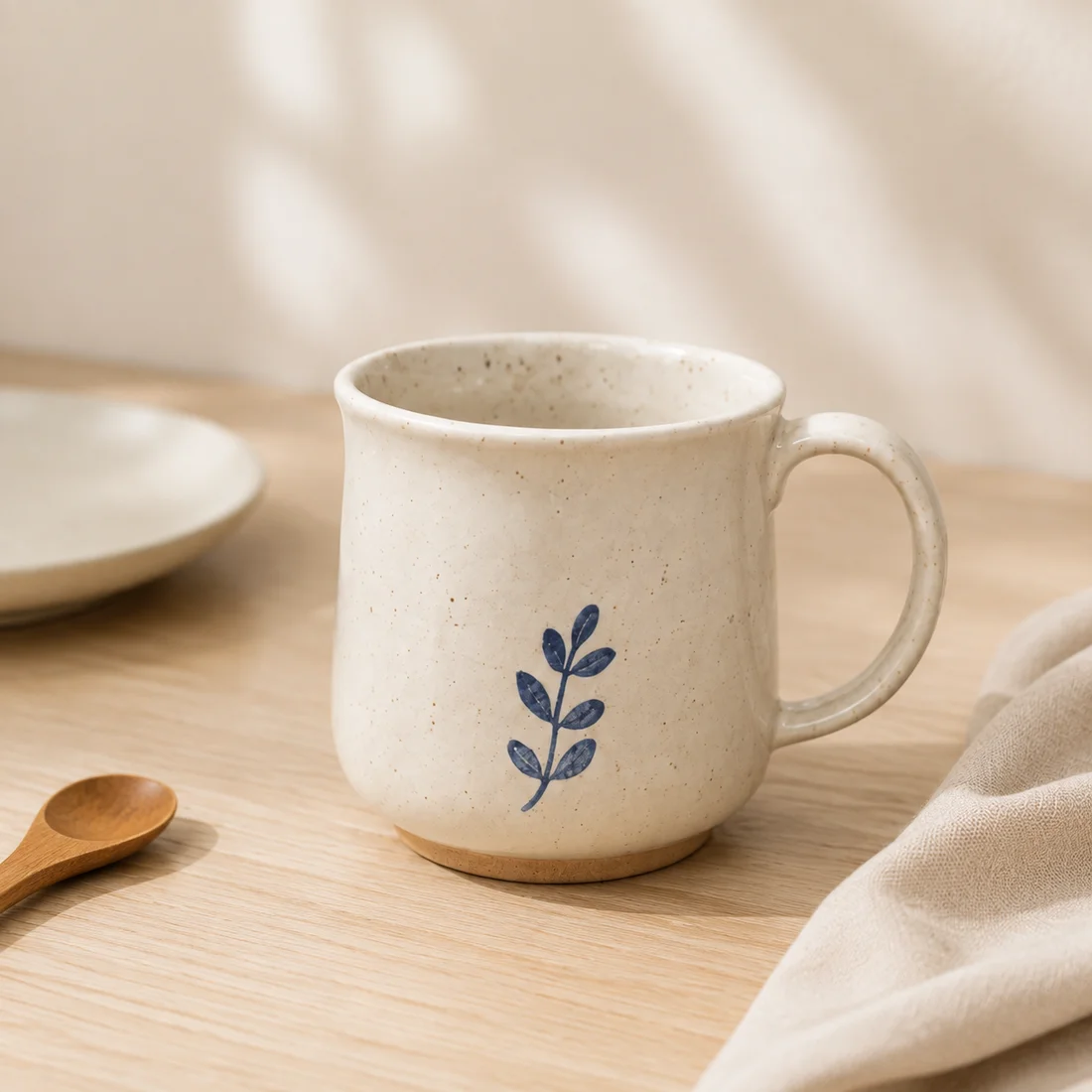
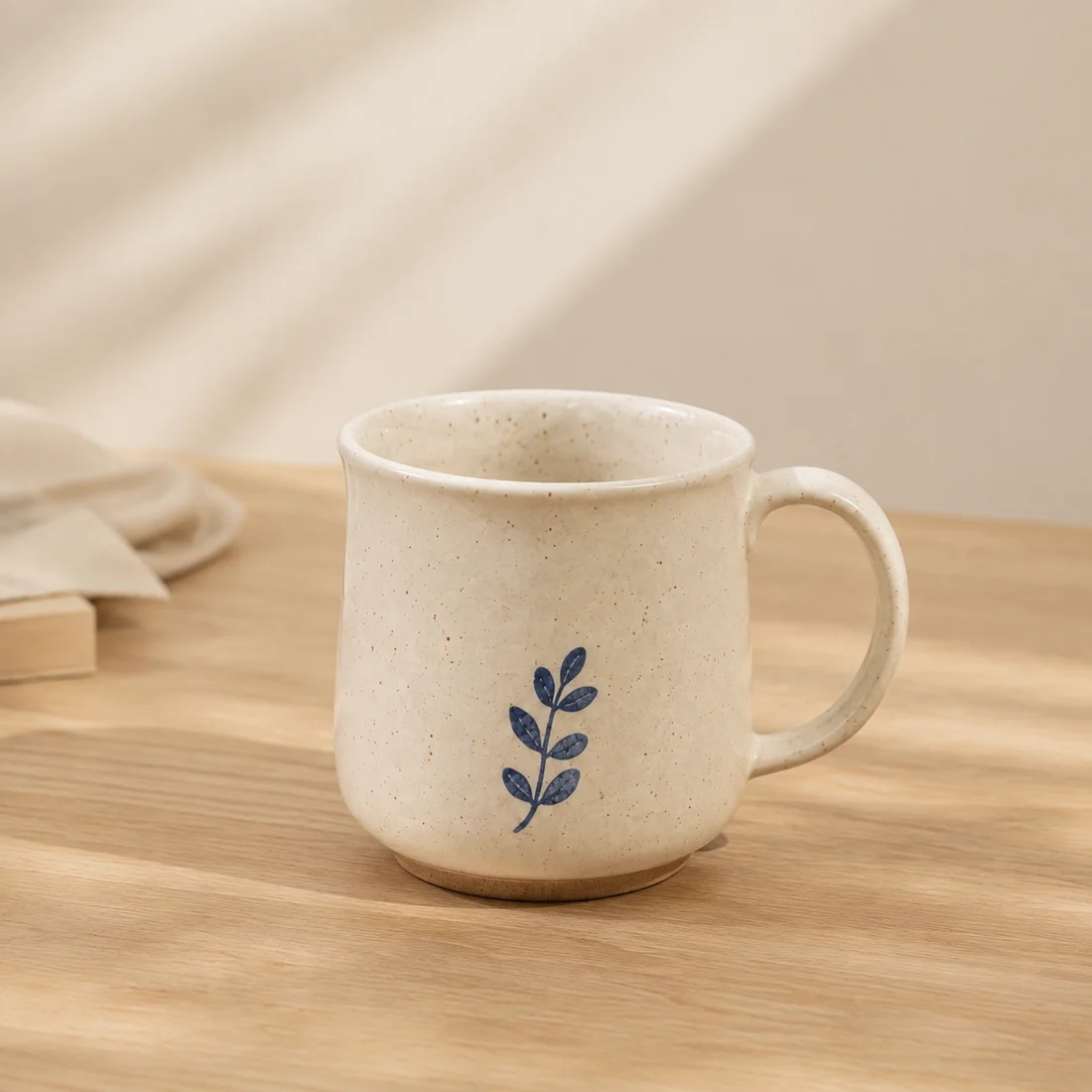
Download original PNGs and test notes (ZIP) · Check five areas of product detail
The first API probe flagged changes to the leaf pattern, handle and outline. That is why the workspace includes original-image comparison and a revision step.
Try the results before deciding whether this fits your shop.
Apply for a free trialNo payment method required · Edit the plan before generating