
Product / Background ideas
AI skincare product photography, with packaging checks built into your workflow.
Try a clean backdrop or a softer studio scene for one bottle before updating a whole range. Compare the pump, silhouette and packaging with your original photo.
Apply to try your product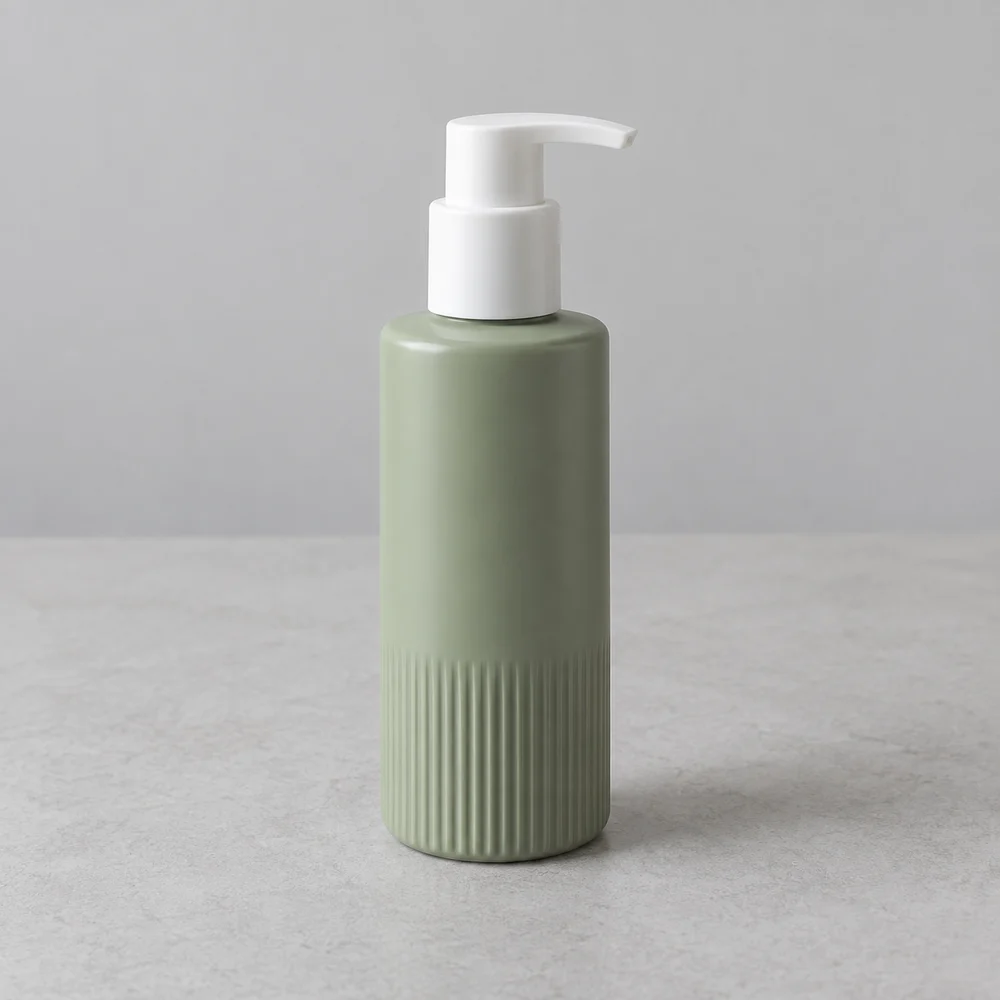
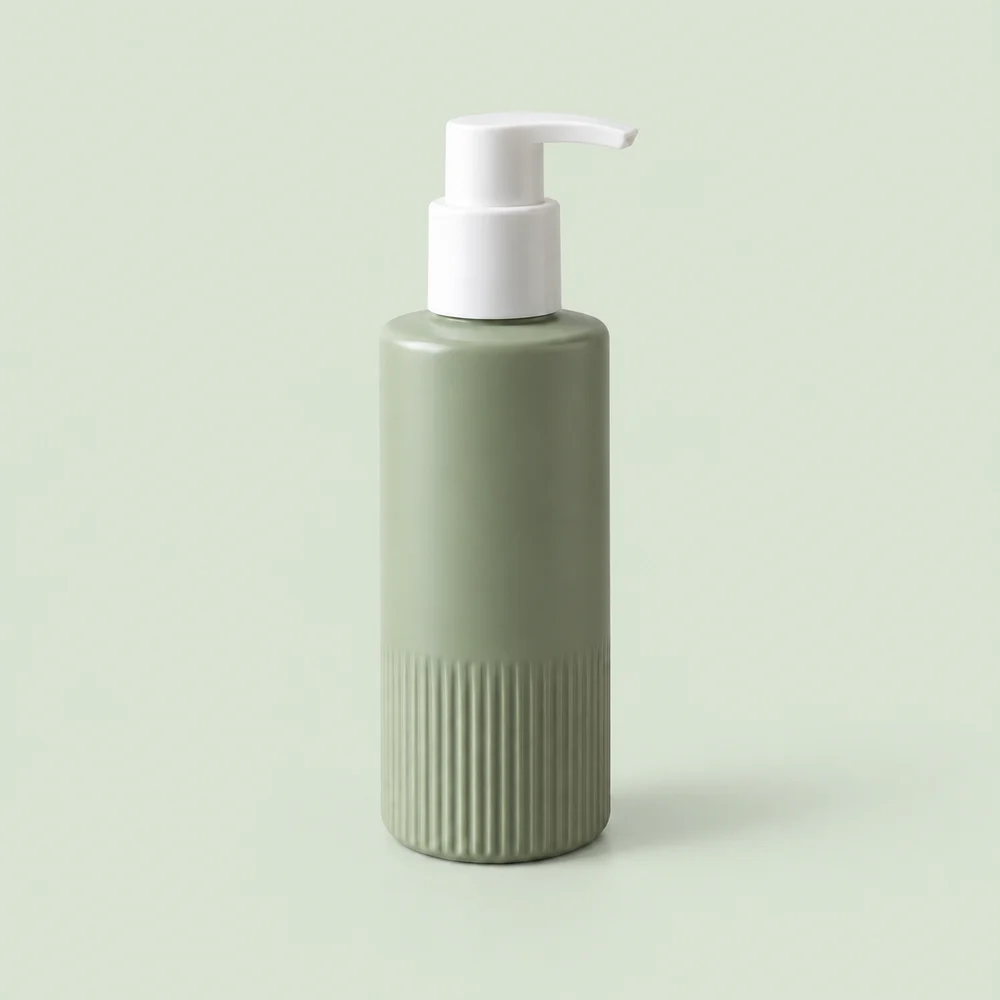
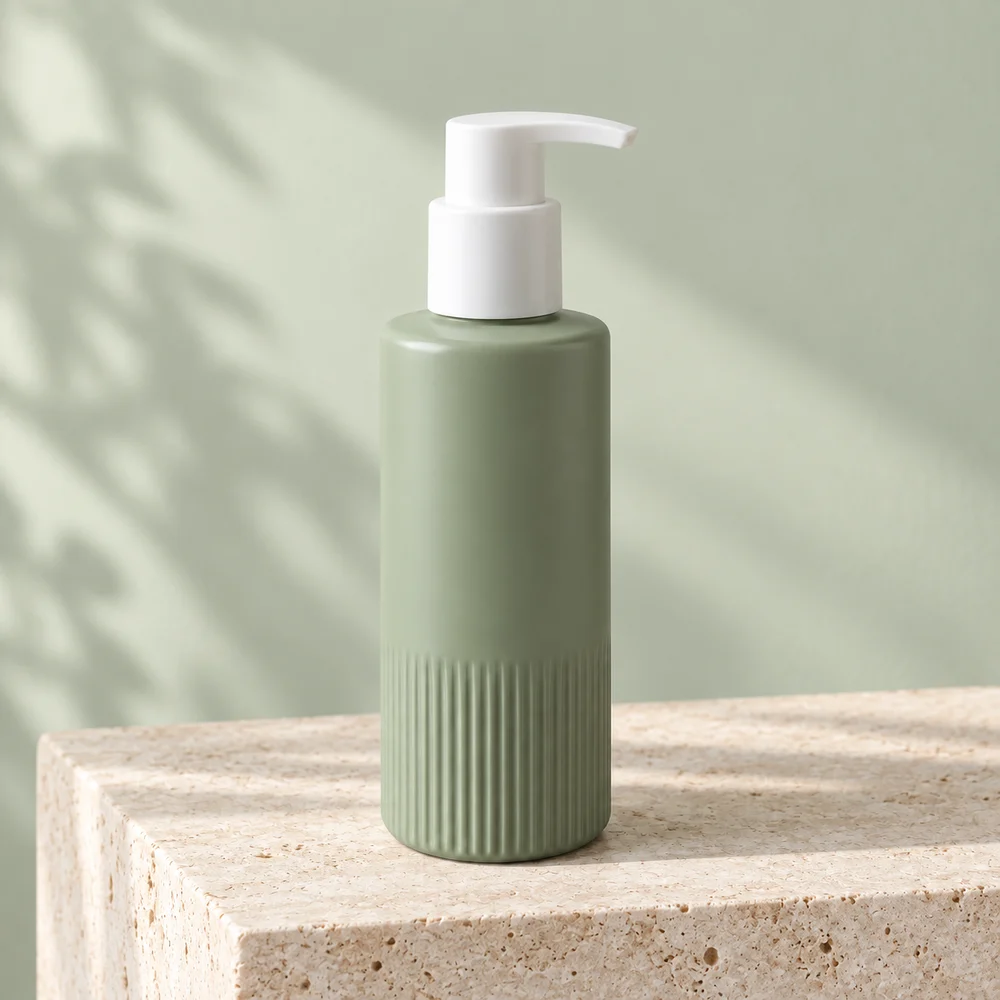
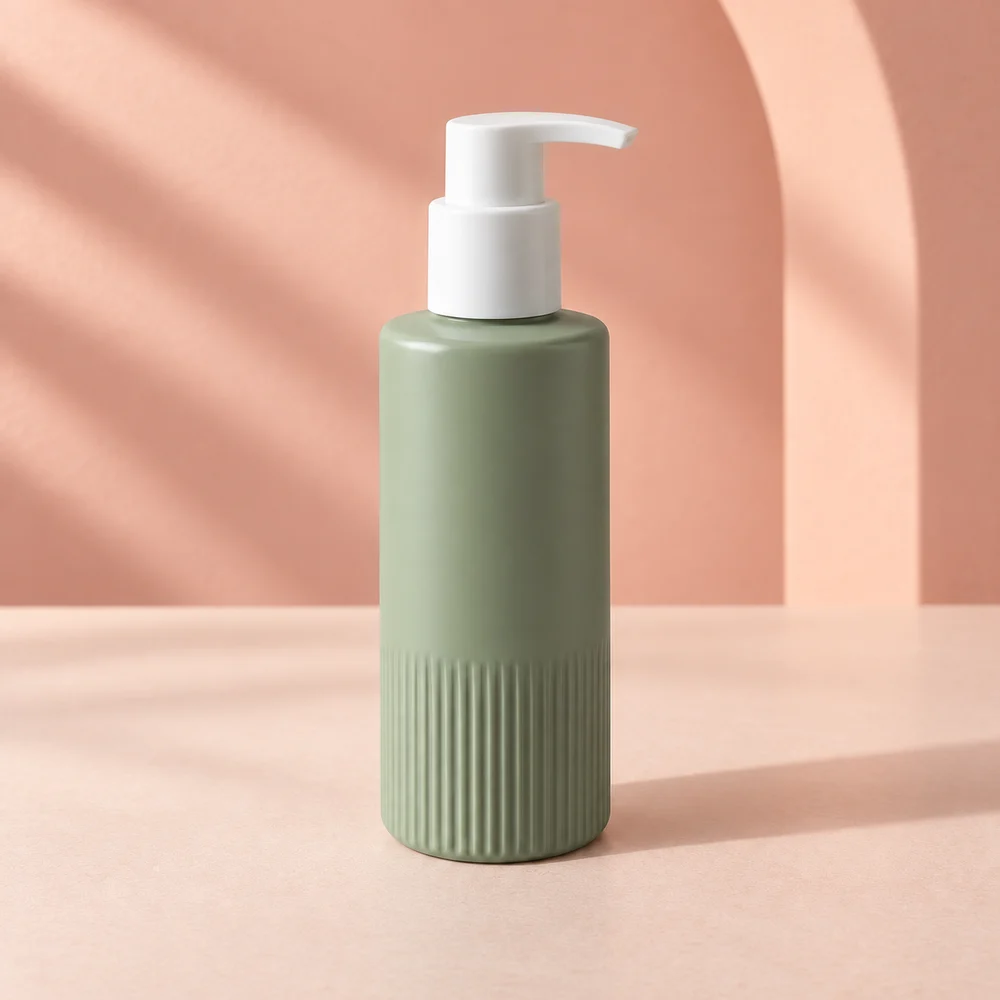
AI-created, unbranded source sample; actual image API outputs. Inspection status varies by sample; review the linked records. These are not customer results or proof that your packaging will be preserved. Open the inspection records
For independent skincare sellers testing a visual direction
A bottle may need a clear product view and a more expressive image for a shop collection. Start with a clean studio setting; adding splashes, ingredients or dramatic reflections creates more details that need checking.
Three directions to try
A clear bottle silhouette
Set a pale background color for the solid image so the pump and bottle edges stay readable.
Soft studio light
Use a simple surface and gentle light for a calm visual direction, without inventing product texture or claims.
A color-led campaign
Try a pastel scene to complement the packaging. Check that the bottle itself has not changed color.
A starting scene description
Copy and adapt this for scene A or B. Solid-background images use the background color control. This is a starting suggestion, not the exact prompt used for every sample above.
Pastel coral studio backdrop, soft side light, a simple matte display surface. No ingredient props, water splashes, added lettering or objects covering the bottle. Keep the original pump and bottle proportions.
Check before you publish
- Count pump components and check the nozzle direction.
- Compare bottle ribs, cap joins, silhouette and fill appearance.
- Check the packaging color against the original, not just the new scene.
- Inspect every brand name and ingredient or volume statement. Do not publish invented claims.
Does the skincare sample prove my branded bottle will stay unchanged?
No. The design sample is unbranded and its automated inspection was unavailable. It shows the workflow output, not a fidelity guarantee. Transparent bottles, reflective packaging and fine print need extra care and may be better handled with conventional editing.
What the trial includes
An invitation workspace supports 1–3 products, three compositions per product and two PNG formats after review: 1200×1200 and 1200×1600. Resizing adds padding; it does not invent extra detail. Calls use your invitation allowance. Payments are not available.
How to prepare a product photo and describe its background · White-background checks
Inspect documented scene experiments
Compare source images, scene inputs and remaining differences. These experiments use AI-created source samples and are not customer results or white-background compliance tests.
- Skincare bottle photography on bathroom tile — Check the white pump nozzle direction and the ribbing around the lower bottle. Inspect the green color for a shift caused by the tile lighting.
- A lilac studio background for skincare — Look closely at the pump collar and nozzle tip. Compare the ribs and bottle green against the original; a pleasing palette can hide a material change.