
Product / Background ideas
AI candle product photography, starting with your candle.
Explore quieter backgrounds for a new scent or a seasonal shop collection. Start with one clear candle photo, compare three compositions, and inspect the jar before using an image.
Apply to try your product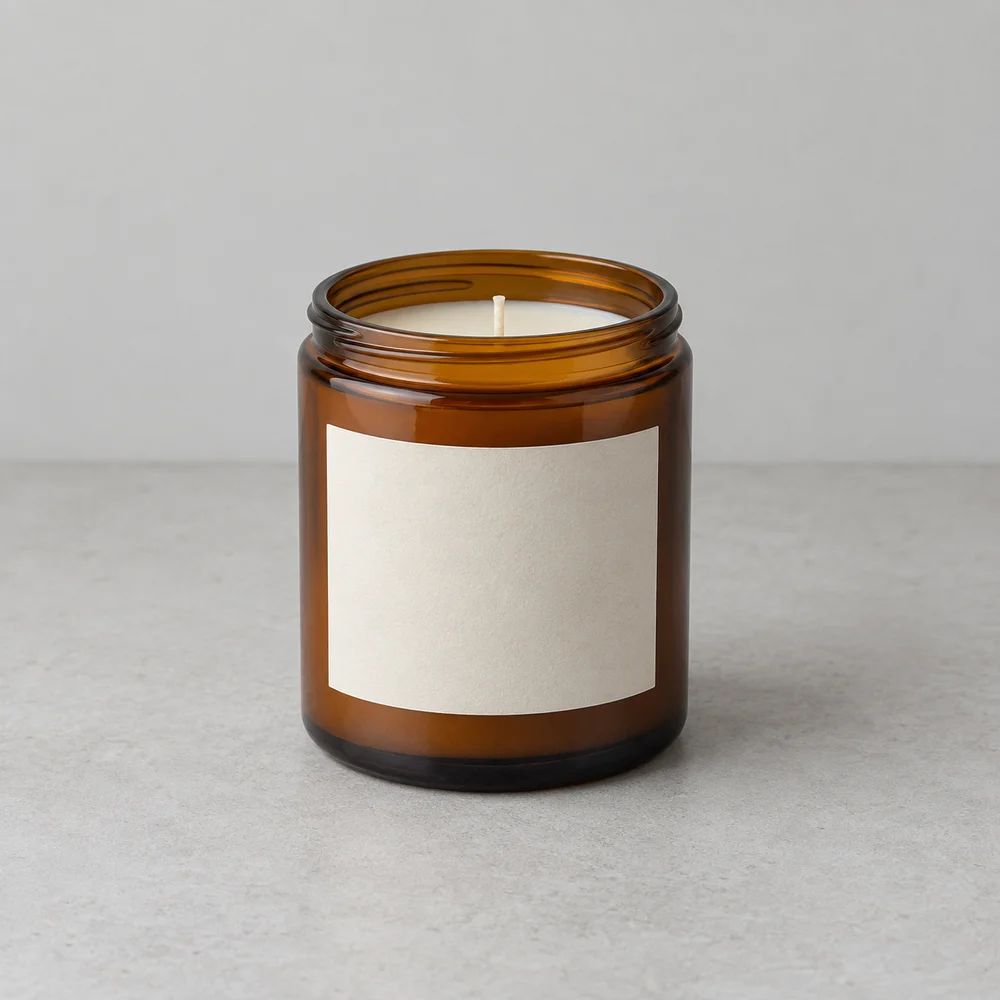
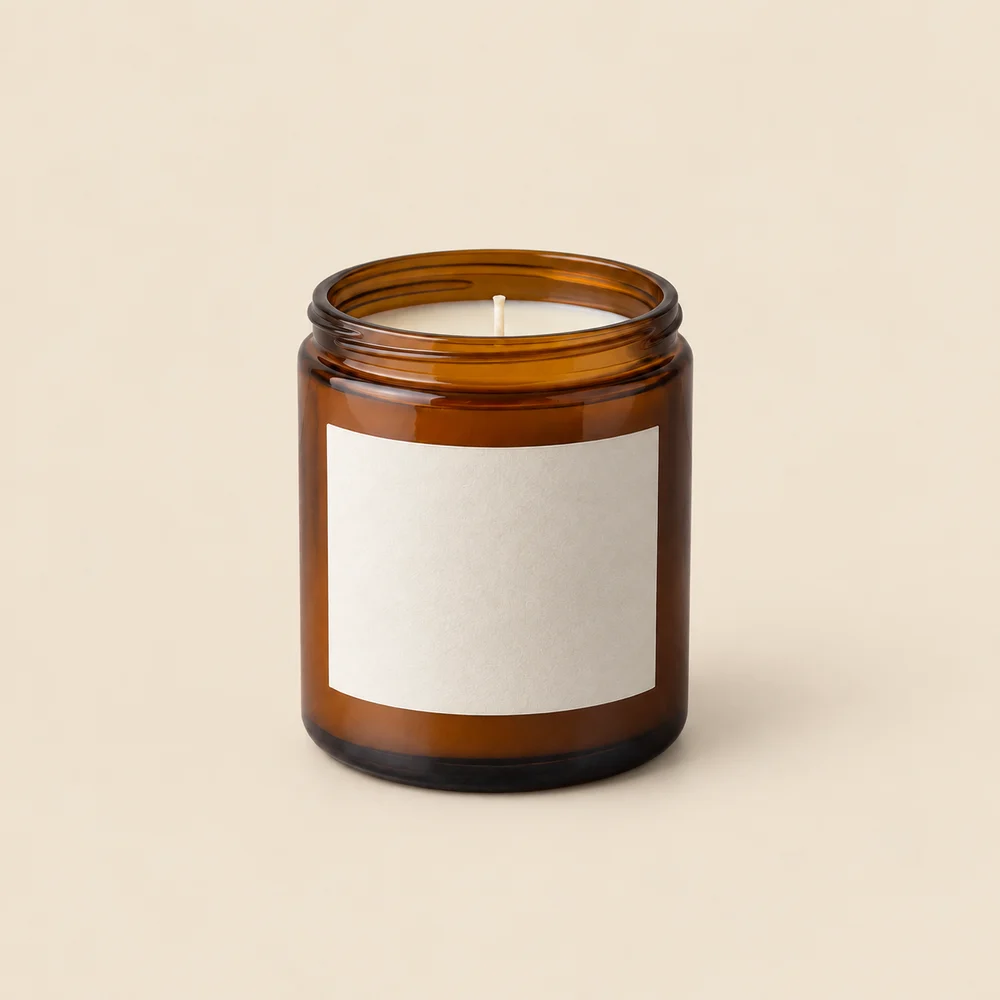
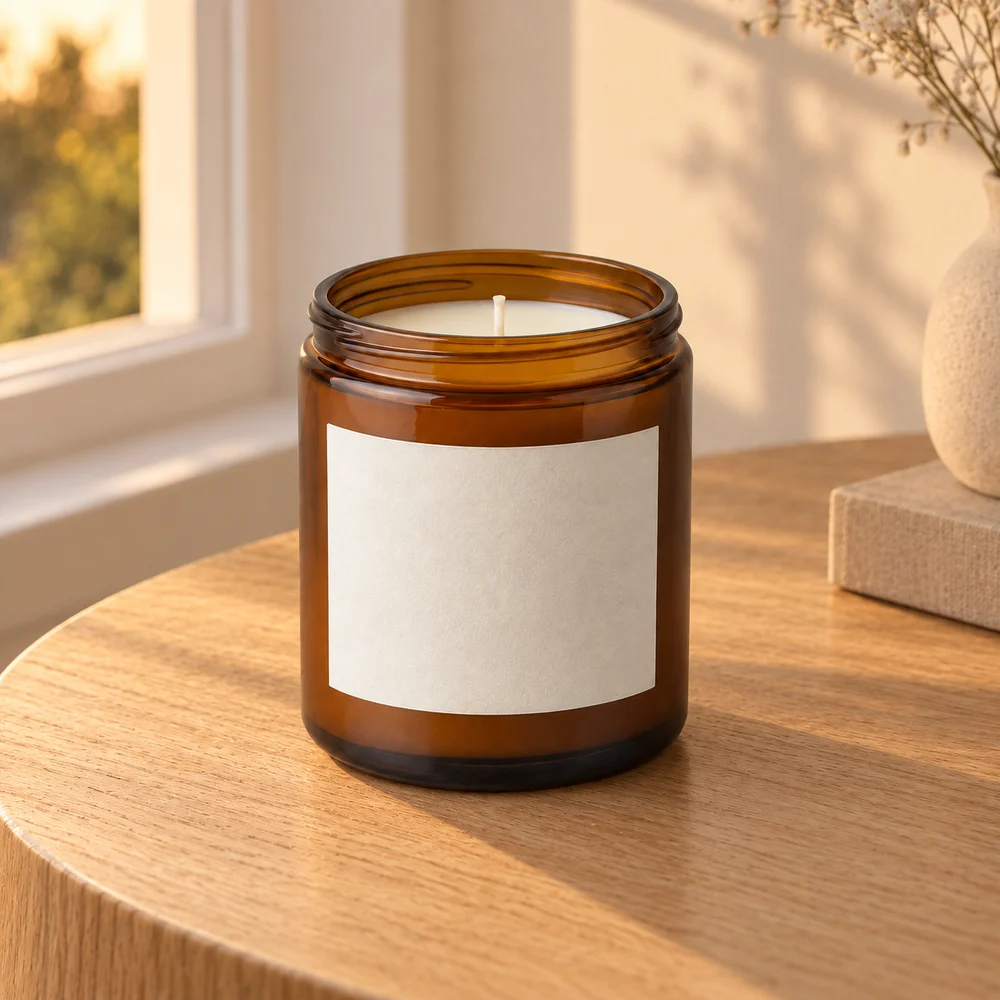
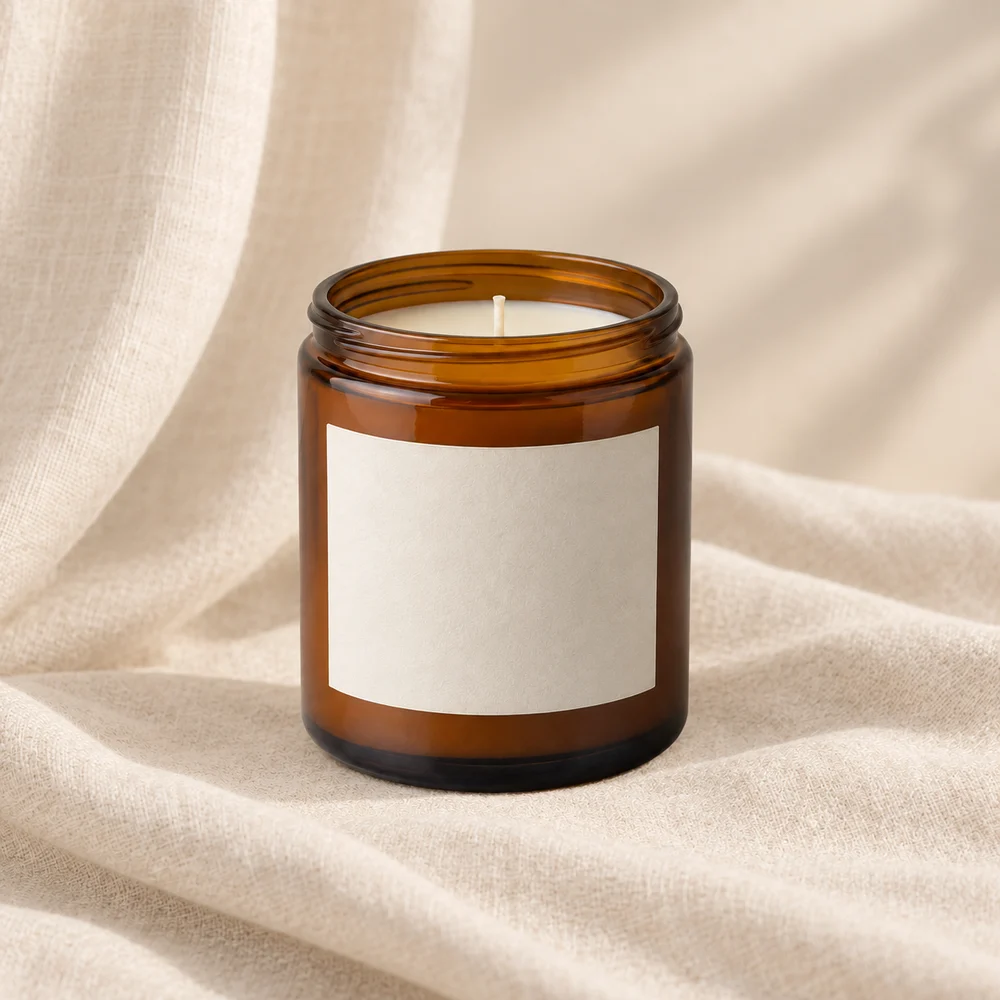
AI-created, unbranded source sample; actual image API outputs. Inspection status varies by sample; review the linked records. These are not customer results or proof that your packaging will be preserved. Open the inspection records
For small candle shops refreshing a collection
You already have a product photo, but its surroundings do not fit your next launch. A neutral packshot helps show the jar; a warm window scene can suggest a room and mood. These serve different purposes, so check them separately.
Three directions to try
Clean product view
Choose a muted background color for the solid-background image. Keep the jar silhouette easy to see.
A quiet morning
Use the scene below for a calm, everyday setting. The candle remains unlit; no smoke or flame is requested.
Seasonal atmosphere
A darker tabletop can change the mood without inventing ingredients, a flame or extra candles. Avoid props that suggest contents you do not sell.
A starting scene description
Copy and adapt this for scene A or B. Solid-background images use the background color control. This is a starting suggestion, not the exact prompt used for every sample above.
Natural oak table beside a window, soft warm daylight, a quiet uncluttered room. Keep the candle unlit. No smoke, extra candles, lettering or objects covering the jar.
Check before you publish
- Compare the glass rim, wall thickness and reflections with the original.
- Check the wick count and position, wax level and jar proportions.
- Read every label character at full size. Reject invented text or changed packaging.
- Do not use a generated flame to imply a tested burn or safety property.
Can AI make candle labels accurate?
It can change label text and small details. Our sample has an unbranded label, so it does not test your printed packaging. Use your own labeled candle for a trial and inspect the result; keep the original photo if accuracy is not adequate.
What the trial includes
An invitation workspace supports 1–3 products, three compositions per product and two PNG formats after review: 1200×1200 and 1200×1600. Resizing adds padding; it does not invent extra detail. Calls use your invitation allowance. Payments are not available.
How to prepare a product photo and describe its background · White-background checks
Inspect documented scene experiments
Compare source images, scene inputs and remaining differences. These experiments use AI-created source samples and are not customer results or white-background compliance tests.
- Candle product photography on a walnut shelf — Compare the jar rim, wick count, wax level and blank label edges. Check the amber color and contact shadow. The jar must remain unlit.
- An unlit candle in a blue-hour setting — Check the single wick, wax height and screw-threaded glass rim. Look for invented flame reflections even if no flame is visible.