THE PRODUCT

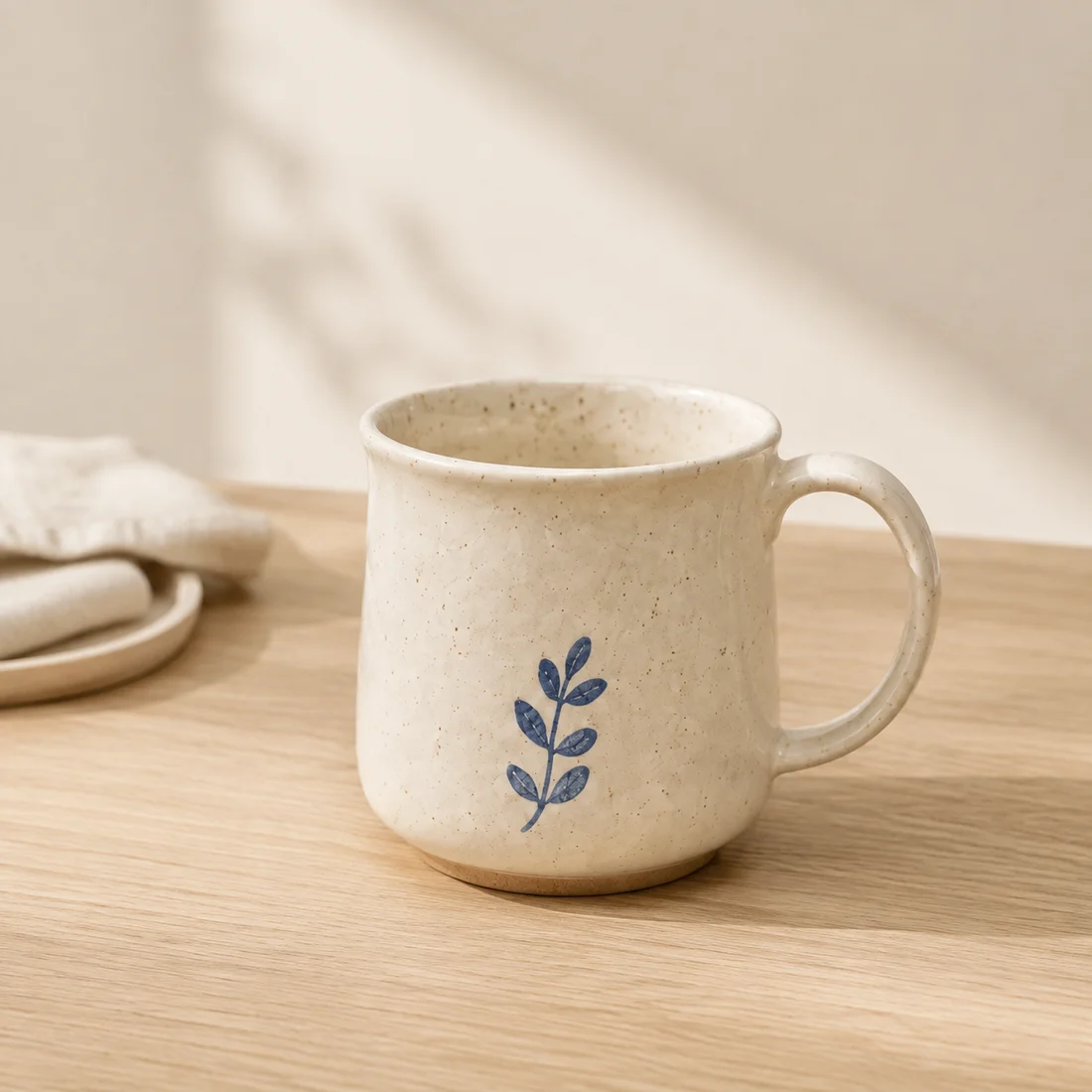
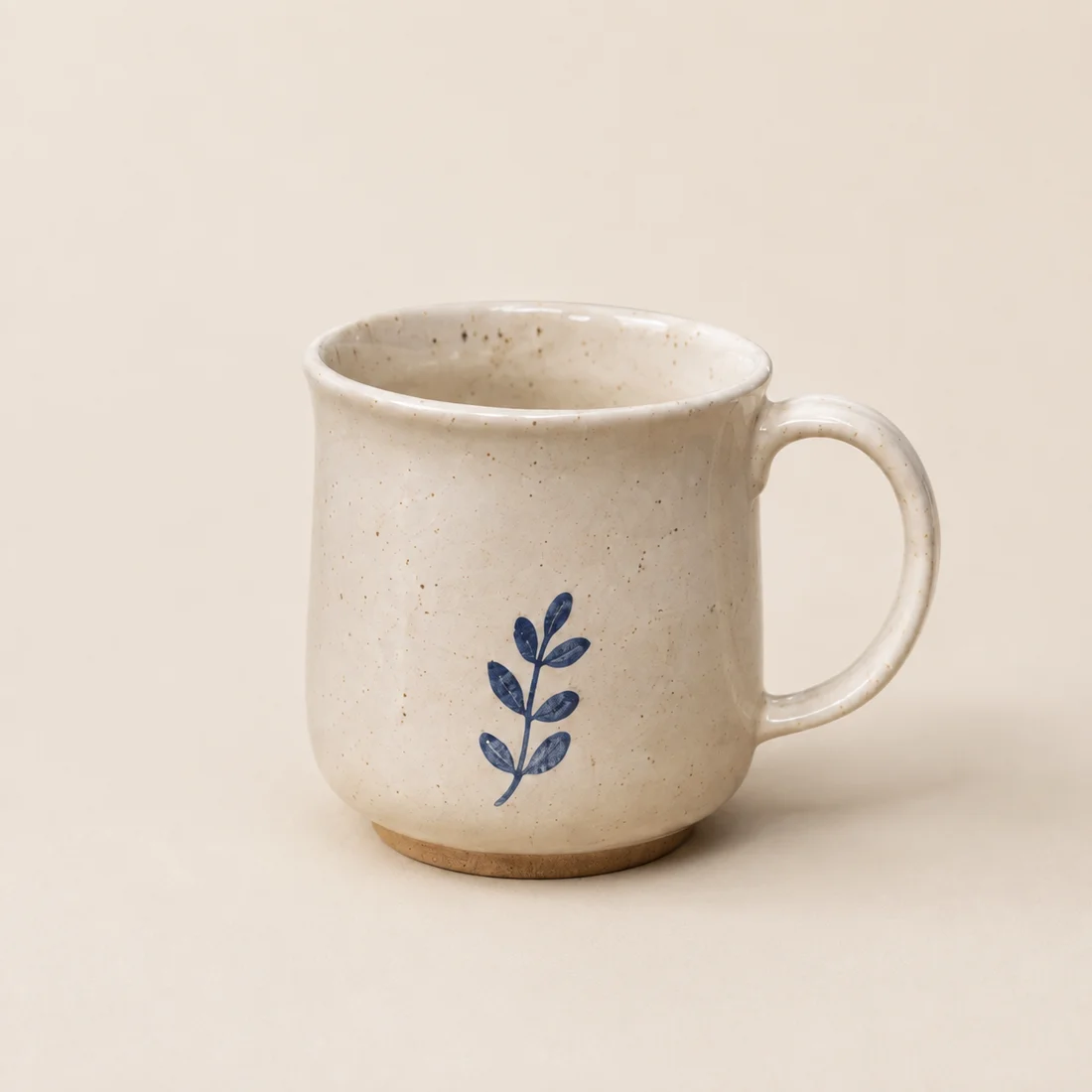
A product image set
starts with your product.

For small shops and independent sellers exploring product visuals. Start with one item and review every result, without a complex editor.

MADE FOR YOUR NEXT LAUNCH

One product. More ways to present it.

Let AI explore the setting while you keep product accuracy in view.

A clean main image

A clean main image

Keep the product clear and centered.

A scene with context

A scene with context

Use lighting, materials and surroundings to show how a product is used.
A coordinated image set

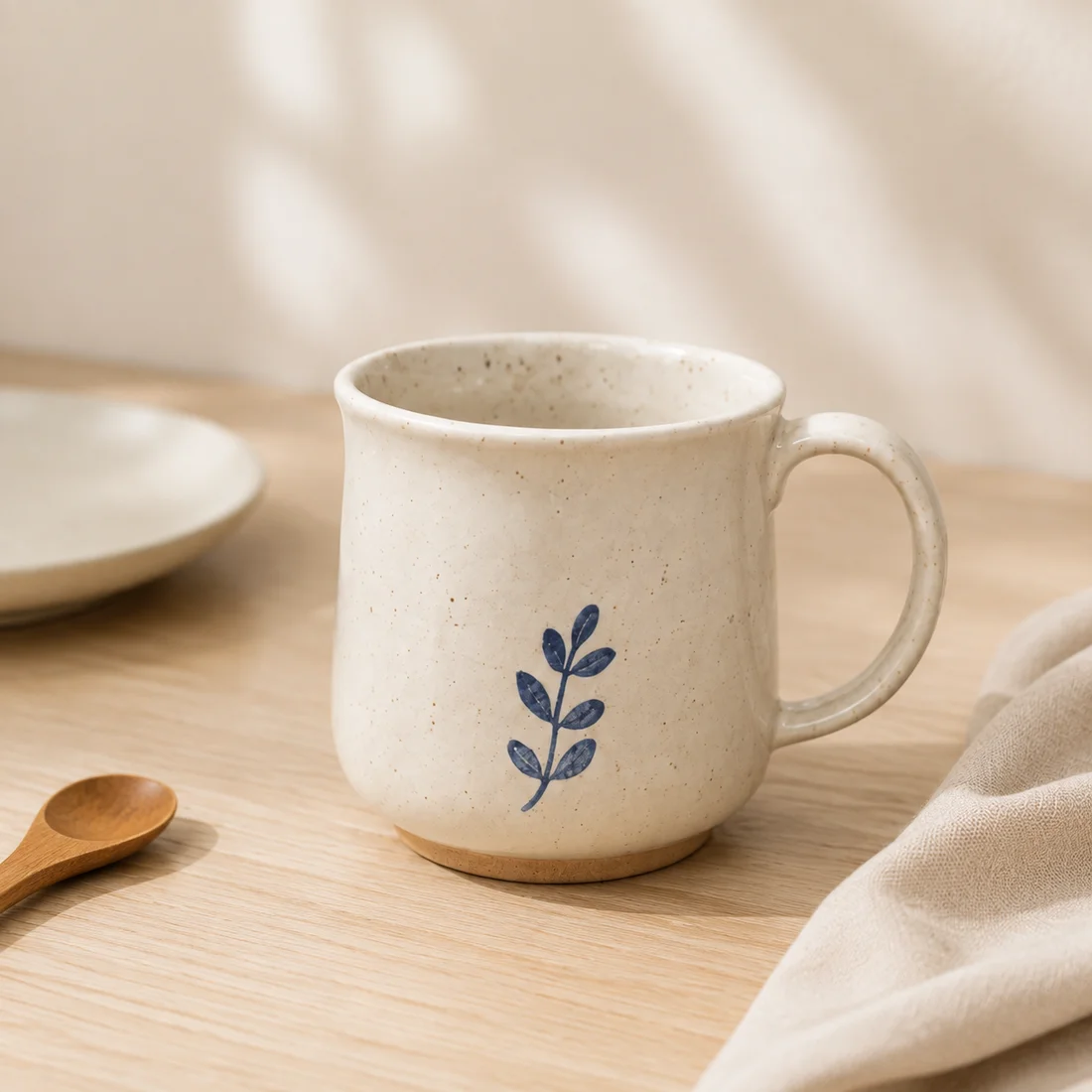
A coordinated image set

Keep the background direction and explore another lifestyle scene.

Inputs, settings and outputs at a glance

Who it is for
Small-shop sellers who can provide clear product photos and review each result.
Upload
1–3 products per pack, one JPG, PNG or WebP each; at most 10 MB and at least 600 px on the shortest side. Browser conversion produces PNGs, which must also meet the 8 MB converted-file limit.
Four background controls
Combine a preset, main color, description and background reference image.
Composition rules
The main image uses the background color. Environmental details, props and tables apply to scenes A/B. A reference guides the background only.
Output
Three compositions per product, each as 1200×1200 and 1200×1600 PNGs, packaged after individual confirmation. Proportional scaling and padding are not AI expansion or detail enhancement.
When not to rely on it directly
Jobs requiring exact fine text, complex patterns, transparent or highly reflective materials, or results that need no manual review.
What has been tested
Six categories of our own design samples have completed API generation. This does not establish success rates, sales results or marketplace approval.

For transparent-background cutouts, use a dedicated workflow. If the original is blurred or obstructed, reshooting is often more controllable than repeated generation.

HOW IT WORKS

Simple steps. You make the final call.

01 / Upload a product

One clear photo per product. Start by identifying its visible features.

02 / Choose a scene

Use a suggestion or describe your own background. Add a color or reference image if useful.

03 / Compare and download

Compare each result with the original, revise unsuitable images and download an organized image pack.

Background ideas for your product

START WITH ONE PRODUCT

Start with one product you already have.

Try the results before deciding whether this fits your shop.

Start with an invitation code

No code yet? Apply for a trial

No payment method required · Edit the plan before generating