
Product / Background ideas
Mug product photography at home: backgrounds, light and detail checks.
Plan mug product photography from one clear source photo. Compare a simple product view with a warm tabletop scene, then check the handle, rim, glaze and painted motif before publishing.
Apply to try your product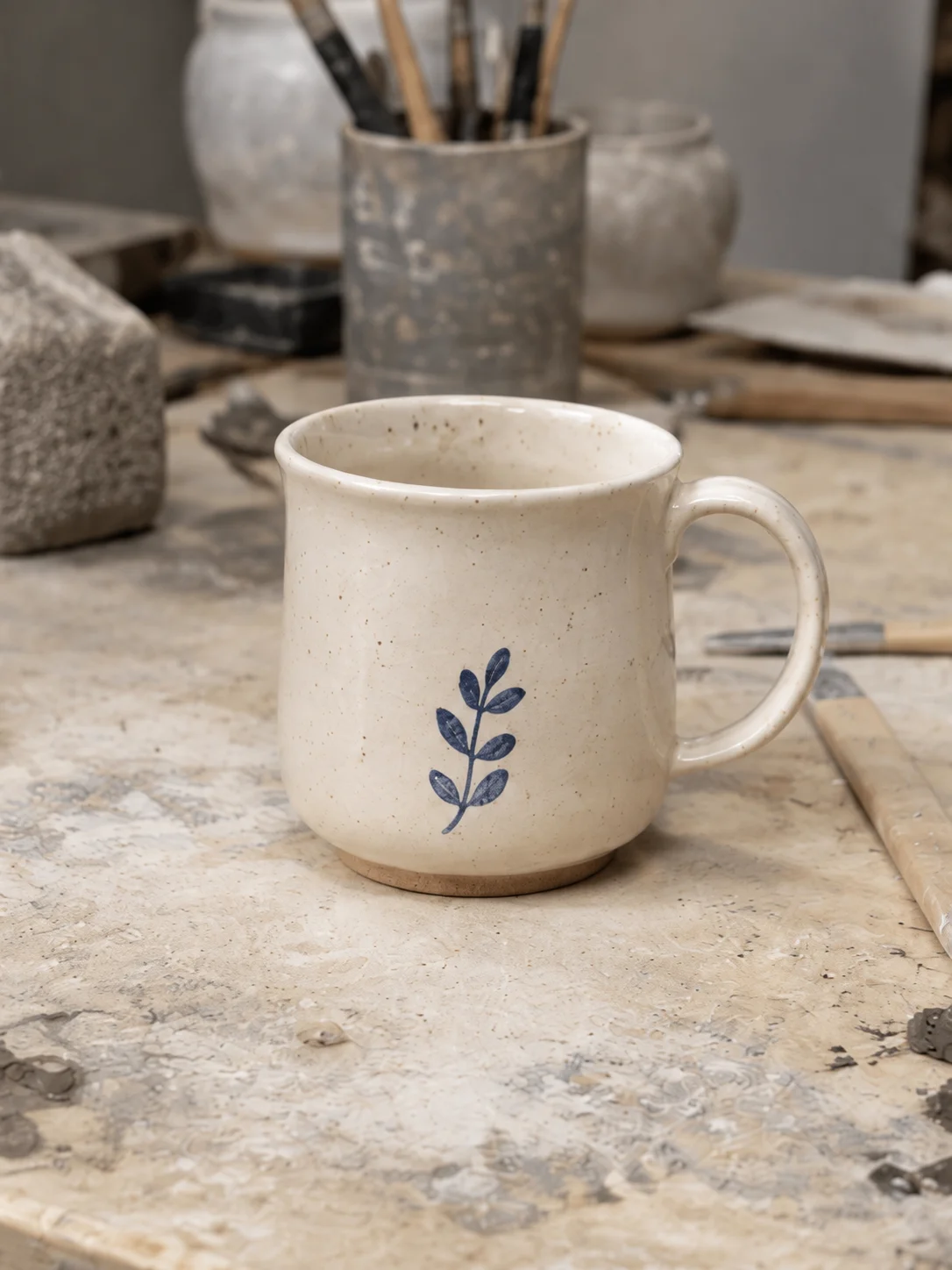
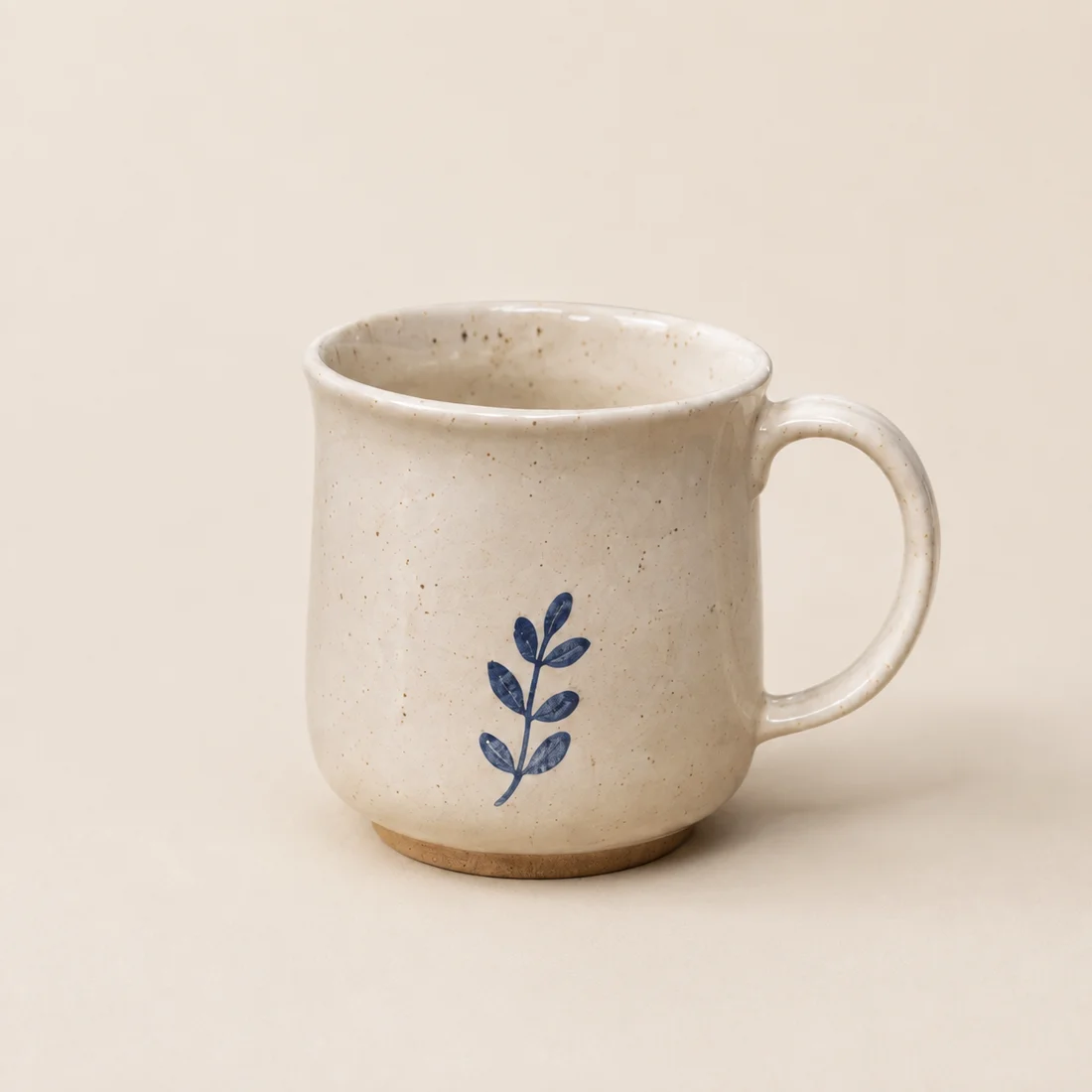
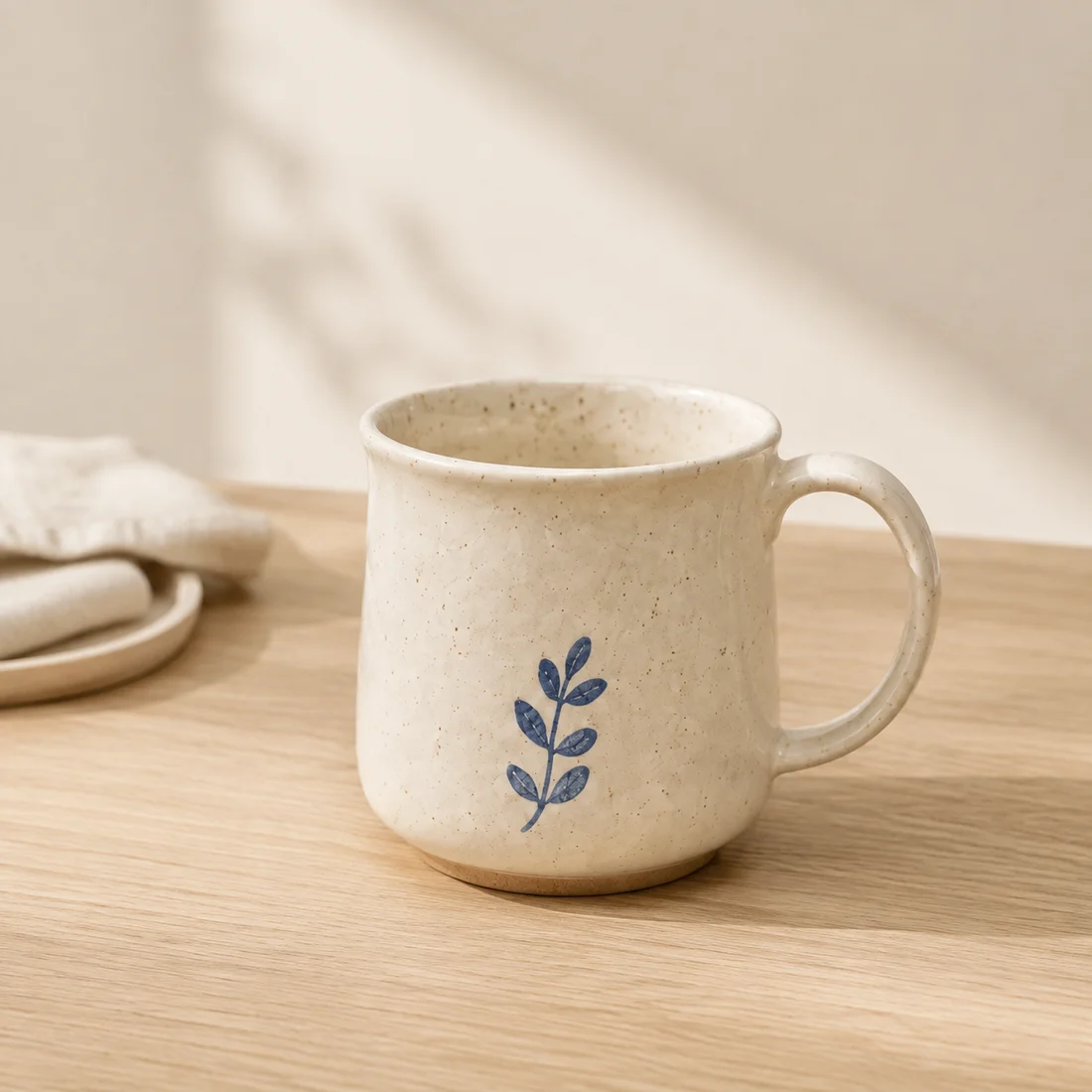
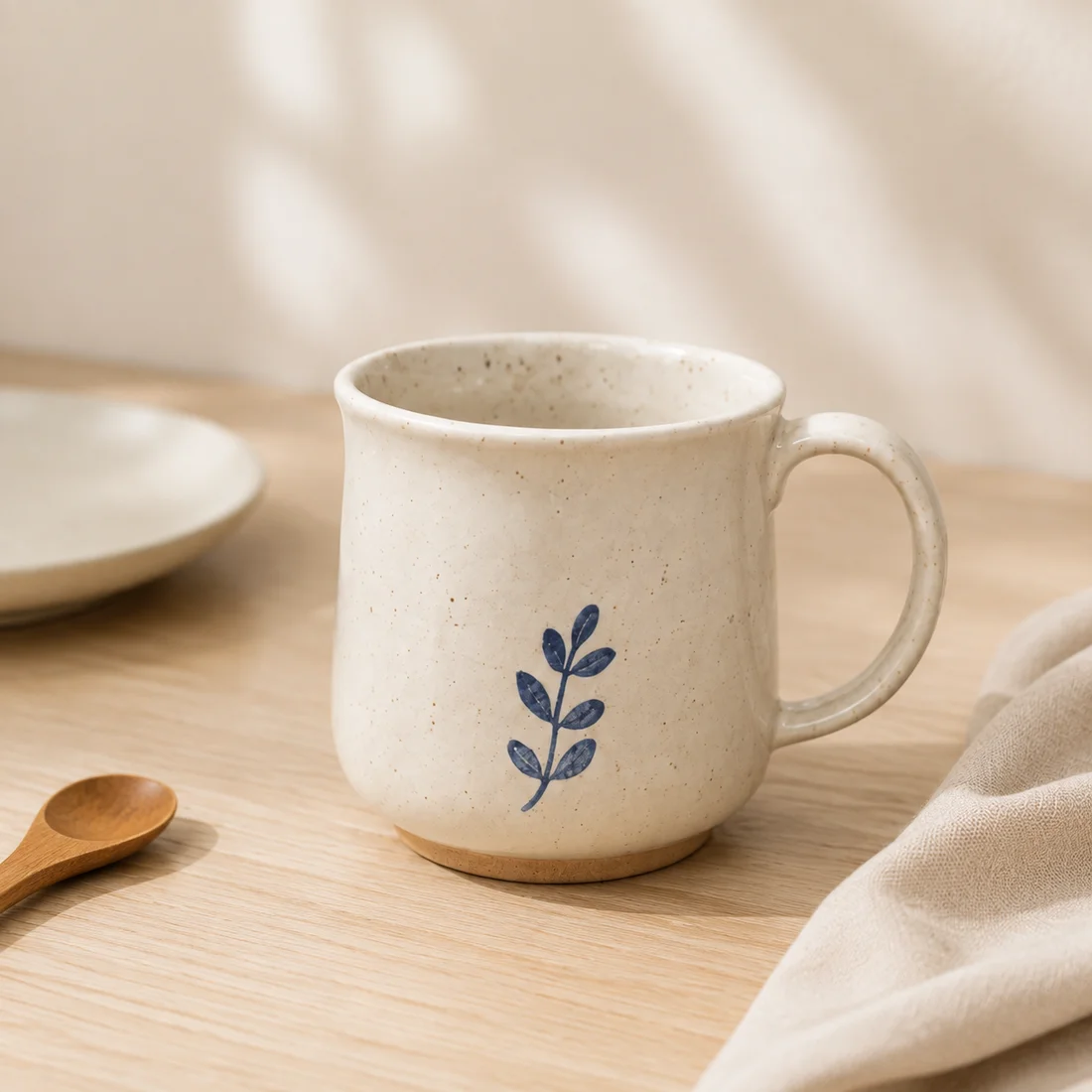
AI-created, unbranded source sample; actual image API outputs. Inspection status varies by sample; review the linked records. These are not customer results or proof that your packaging will be preserved. Open the inspection records
For ceramic sellers preparing a shop collection or social post
A clean view helps a buyer inspect the rim and glaze. A tabletop image helps them imagine a setting. Keep a real photograph for dimensions, capacity and handmade variation: changing a background cannot establish any of those facts.
How to photograph a mug at home
- Photograph the mug at eye level
Place the mug near a window in soft side light. Keep the entire rim, handle and base inside the frame, and use a plain surface that separates the silhouette from the background.
- Capture the details buyers compare
Take an additional close photograph for printed text, glaze, handle joins and the foot. A generated scene should not replace these factual product views.
- Build one scene at a time
Begin with a neutral catalogue background, then test one tabletop setting. Keep the mug scale and camera angle stable so the background is the main variable.
- Review against the source
Compare the rim ellipse, handle opening, motif, color and contact shadow at full size. Reject a polished result if any product detail has changed.
Three directions to try
A quiet product backdrop
Use a light neutral color with enough contrast around the pale handle. This is the first image to inspect before attempting more detailed surroundings.
A breakfast-table setting
In output 2, the mug sits on wood with soft shadows and a folded cloth to the left. The warm surface creates a domestic setting; the cloth and dish are scene props, not items included with the mug.
An uncluttered collection image
Try a matte surface and a plain wall for a seasonal collection. Keep props behind or beside the mug, leaving its painted face and the opening of the handle visible.
A starting scene description
Copy and adapt this for scene A or B. Solid-background images use the background color control. This is a starting suggestion, not the exact prompt used for every sample above.
Light oak tabletop beside a window, soft indirect daylight, a warm plain wall. Keep the entire mug and handle visible. No drink, steam, flowers inside the mug, added lettering or props touching the handle. Leave the painted motif unobstructed.
Check before you publish
- Compare the handle opening and both attachment points with your source photo.
- Count the painted leaves and compare their direction, spacing and stem shape.
- Inspect the rim, exposed clay foot and glaze speckles at full size.
- Reject added cracks, changed decoration or a new drink. Do not infer capacity or dishwasher safety from the image.
Can I use this for a printed or personalized mug?
A leaf motif does not demonstrate reliable reproduction of names, logos or fine lettering. Test your own printed mug and compare every character. If the print changes, retain the original product pixels with conventional editing or use the original photograph.
What the trial includes
An invitation workspace supports 1–3 products, three compositions per product and two PNG formats after review: 1200×1200 and 1200×1600. Resizing adds padding; it does not invent extra detail. Calls use your invitation allowance. Payments are not available.
How to prepare a product photo and describe its background · White-background checks
Inspect documented scene experiments
Compare source images, scene inputs and remaining differences. These experiments use AI-created source samples and are not customer results or white-background compliance tests.
- A coastal palette for a ceramic mug photo — Count the leaves and compare the handle joints, rim and clay foot. Review any retained workshop objects: an image is unsuitable if removed clutter leaves fragments beside the mug.