
How to change a product background: decide what must stay the same.
Updated September 8, 2026 · PackScena guides
Changing a background can explore a new setting, but the product itself should not change. This workflow uses our existing mug sample; it is not a success-rate claim for every product.
What original should you start with?
Use one photo per product, at least 600 px on the shortest side and at most 10 MB. Include the whole product with a little space around it. Avoid obstructions, heavy blur and strong color casts. The background may be busy, but edges must be distinguishable.
Describe the background specifically
For example: “Light wood table, soft side light, off-white wall, no plants, no text; keep the front of the product facing the same way.” Colors, lighting, materials, props and exclusions are easier to verify than “premium.” You can also edit two AI suggestions.
How do presets, colors, descriptions and references work together?
A preset sets the direction; color sets the background tone; text gives specific requirements; a reference suggests lighting and materials. Do not copy products or logos from the reference. Simplify conflicting instructions before generating.
Check five areas after generation
- Has the complete outline or aspect ratio changed?
- Are handles, openings, part counts and connections consistent?
- Have logos, text, patterns or defects been redrawn?
- Do color, material and reflections still resemble the original?
- Do the background or props obscure the product or mislead the viewer?
Actual examples include failures
Mug tests showed changes to leaves and handles. An AI-failed image cannot be confirmed directly; each job allows one single-image revision. If it is still unsuitable, keep the original or reshoot instead of publishing just because the setting looks attractive.
View originals, outputs and failed examplesActual screens and review references
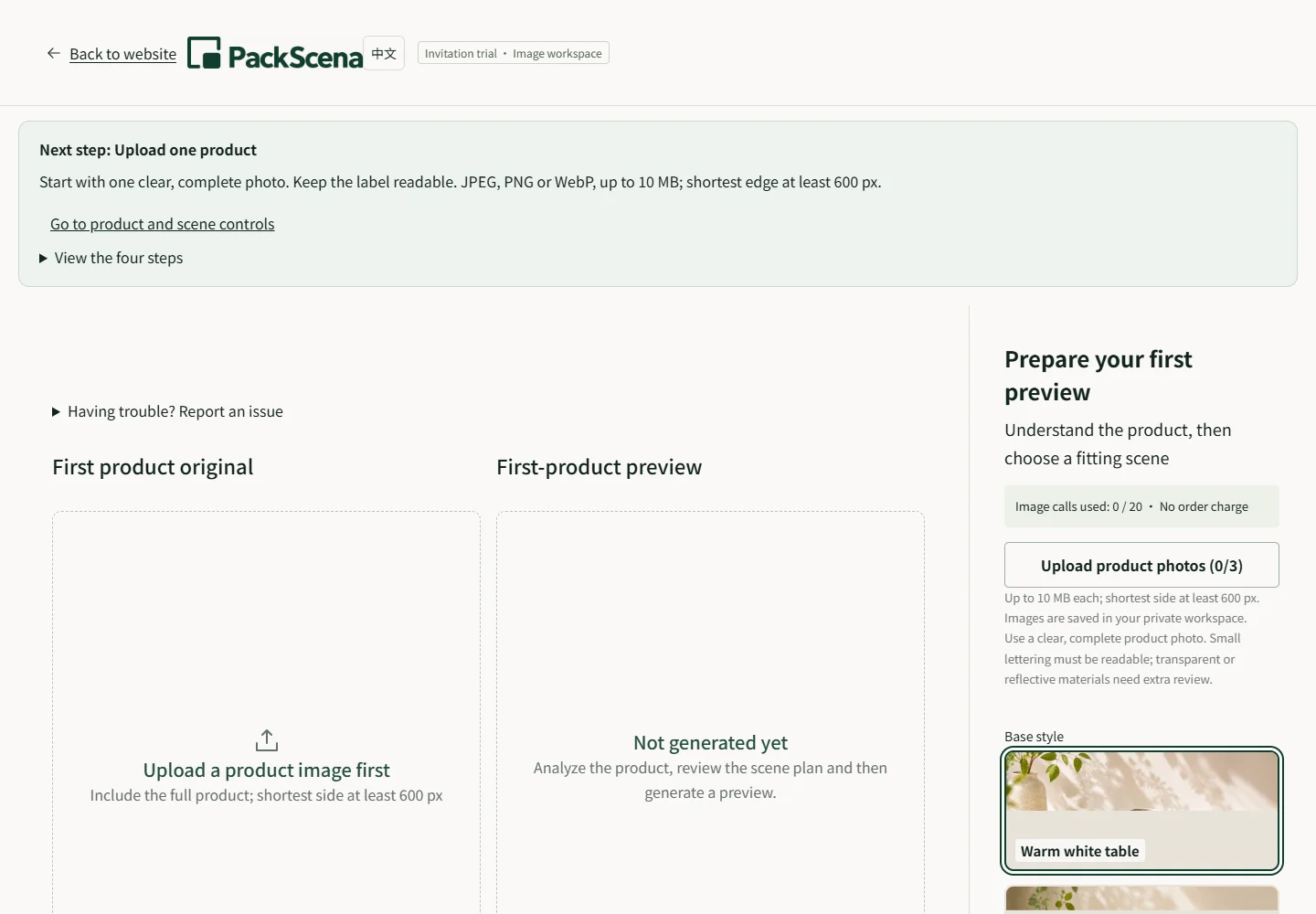

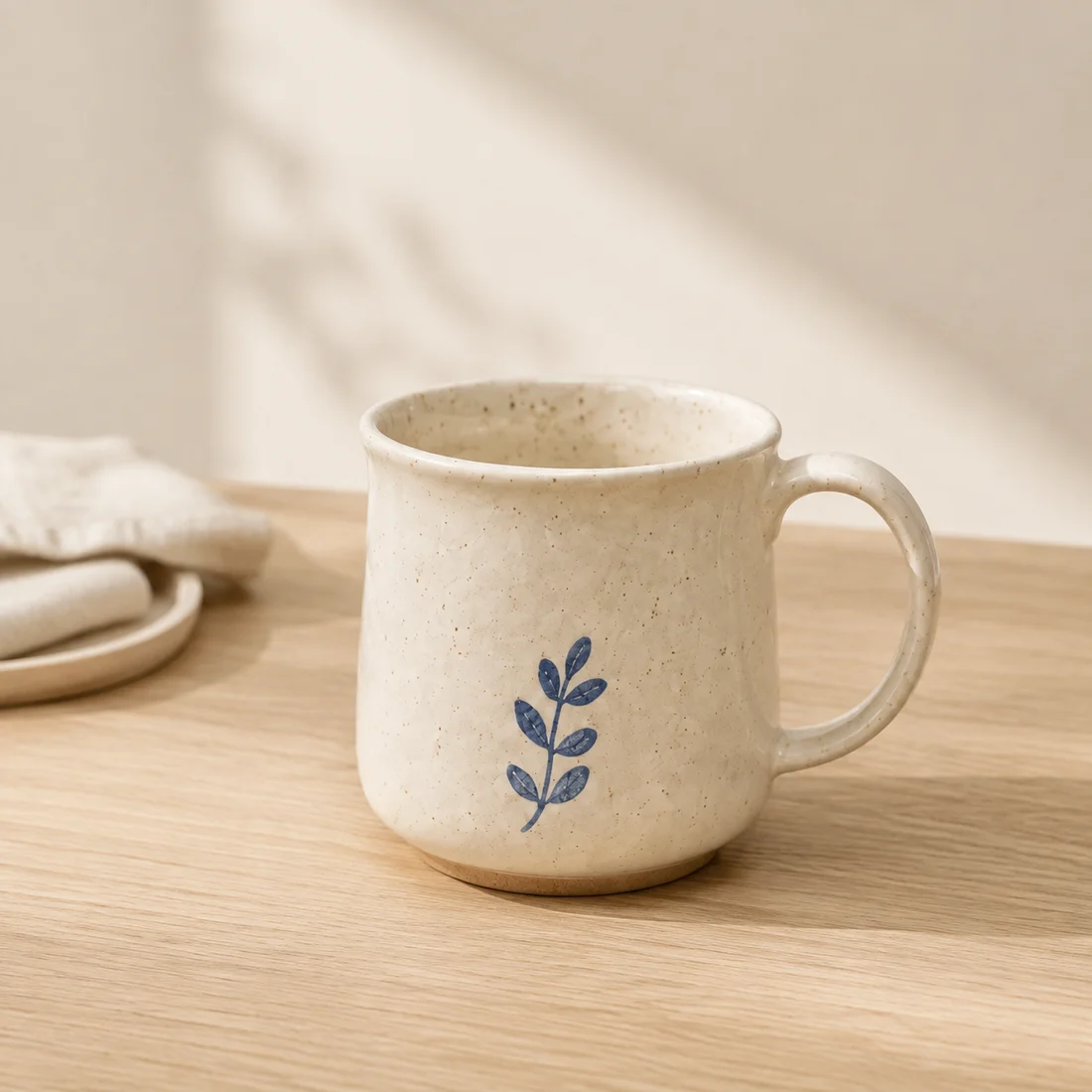
View test conditions and all files Screenshots and examples are our own material, not a promise of customer results.
Confirm before downloading
Review all three compositions per product before downloading both PNG ratios. With multiple products, confirm the first before generating the rest. Test one product before deciding whether the tool suits your shop.
Start with your invitation code
Inspect documented scene experiments
Compare source images, scene inputs and remaining differences. These experiments use AI-created source samples and are not customer results or white-background compliance tests.
- Candle product photography on a walnut shelf — Compare the jar rim, wick count, wax level and blank label edges. Check the amber color and contact shadow. The jar must remain unlit.
- Skincare bottle photography on bathroom tile — Check the white pump nozzle direction and the ribbing around the lower bottle. Inspect the green color for a shift caused by the tile lighting.